-25-
ATTITUDE ADJUSTMENT
ONLY use this function when:
1. There is no influence of air flow, AND
2. You CANNOT fix the drift using the trimmer function.
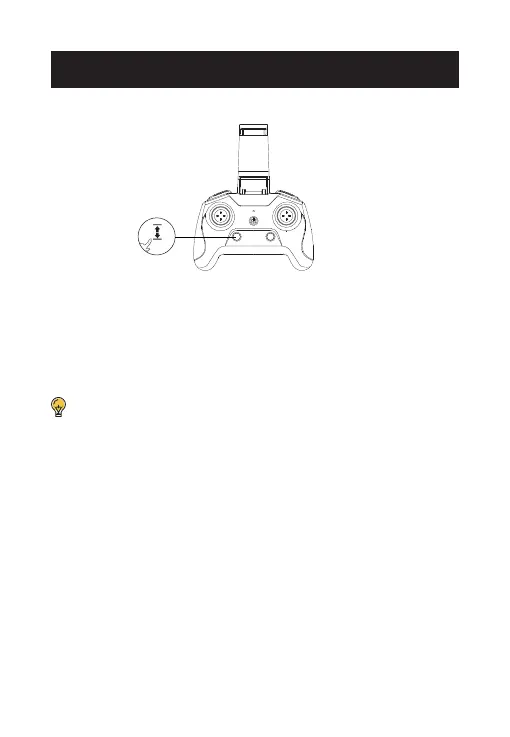
Make sure to place the drone on a level surface before calibrating the
gyro. Long press the Gyro Calibration button for 2 Seconds to calibrate
the gyro
. The transmitter will send out a long beep which indicates the
calibration is completed.
Long Press
CALIBRATE THE GYRO



 To Next Page