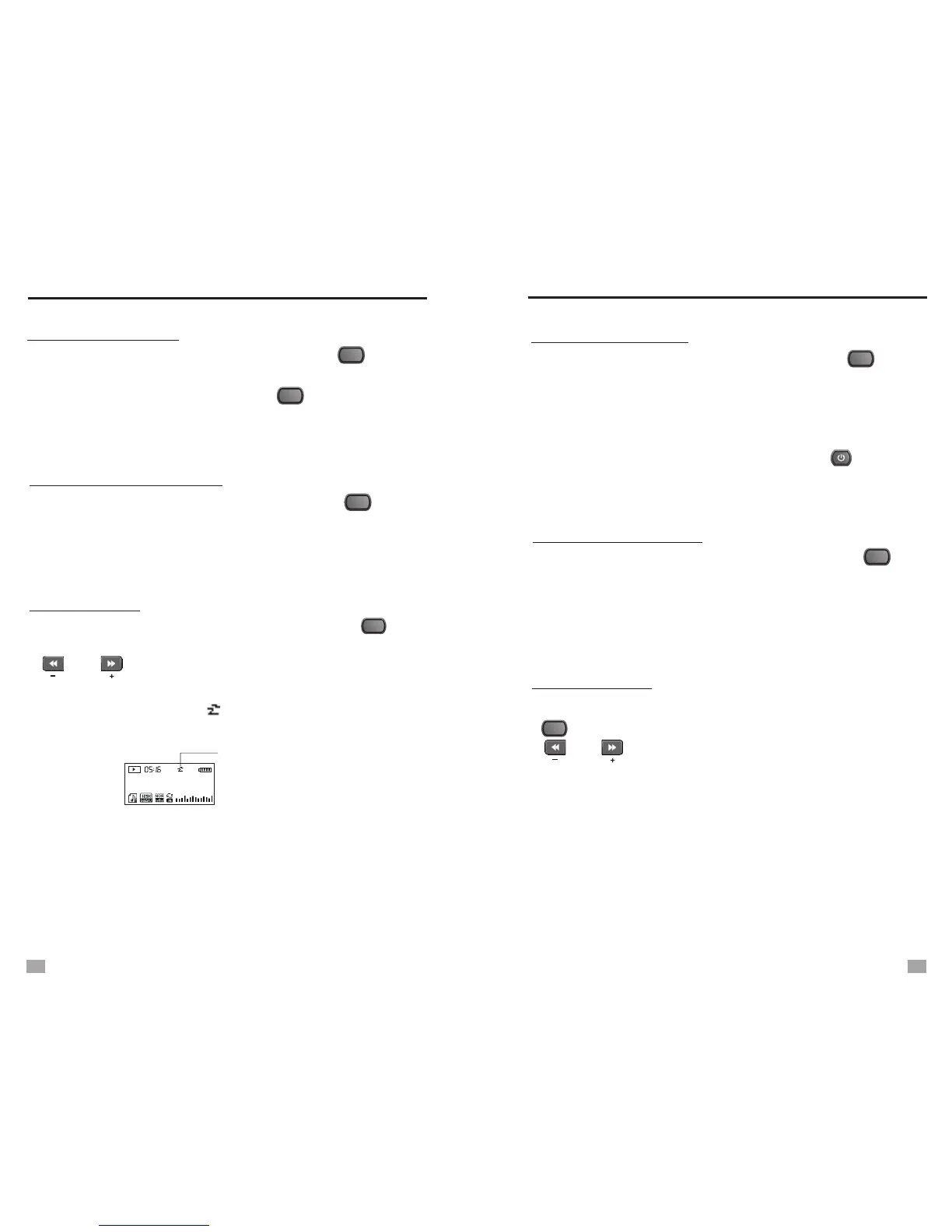
SLEEP TIMER
Select [Sleep Timer] in Sys Set mode, press the < >
button to enter, then rotate the Tuning knob or press the
< >, < > button to adjust the auto turn off timer from
0~90, select “0” to turn off the sleep timer.
After set the sleep timer, < > will shown on the display and
a counting number next to the symbol.
Select [Language] in Sys Set mode, press the < > button
to enter, then rotate the Tuning knob to select your desired
languages.
Select [Backlight] in Sys Set mode, press the < > button
to enter, then rotate the Tuning knob to adjust the lighting
timer from 5~30 seconds. Press the < > button to confirm
and exit.
Sleep Timer Symbol
LANGUAGE SELECTION
Gaga Poker Face
30
BACKLIGHT TIMER
003 00:01:57
SLEEP TIMER
MENU
MENU
MENU
MENU
POWER OFF MODE
Select [Power Off] in Sys Set mode, press the < > button
to enter and rotate the Tuning knob to enter the below
settings:
Standby mode: After turn off the unit, you can check time by
press any button.
Sleep mode: After turn off the unit, only the < > button
works. This mode can save more electricity.
CONTRAST SETTING
Select [Contrast] in Sys Set mode and press the < >
button to enter. The brightness level 0~16 appears on the
display, rotate the Tuning knob to adjust, and then press the
Tuning knob to confirm and exit.
MEMORY INFO
Select [Memory Info] in Sys Set Mode and press the
< > button to display the memory status. Press the
< >, < > can shift checking the memory status
of the unit or the SD card.
MENU
MENU
MENU
POWER OFF MODET
25
26


 To Next Page