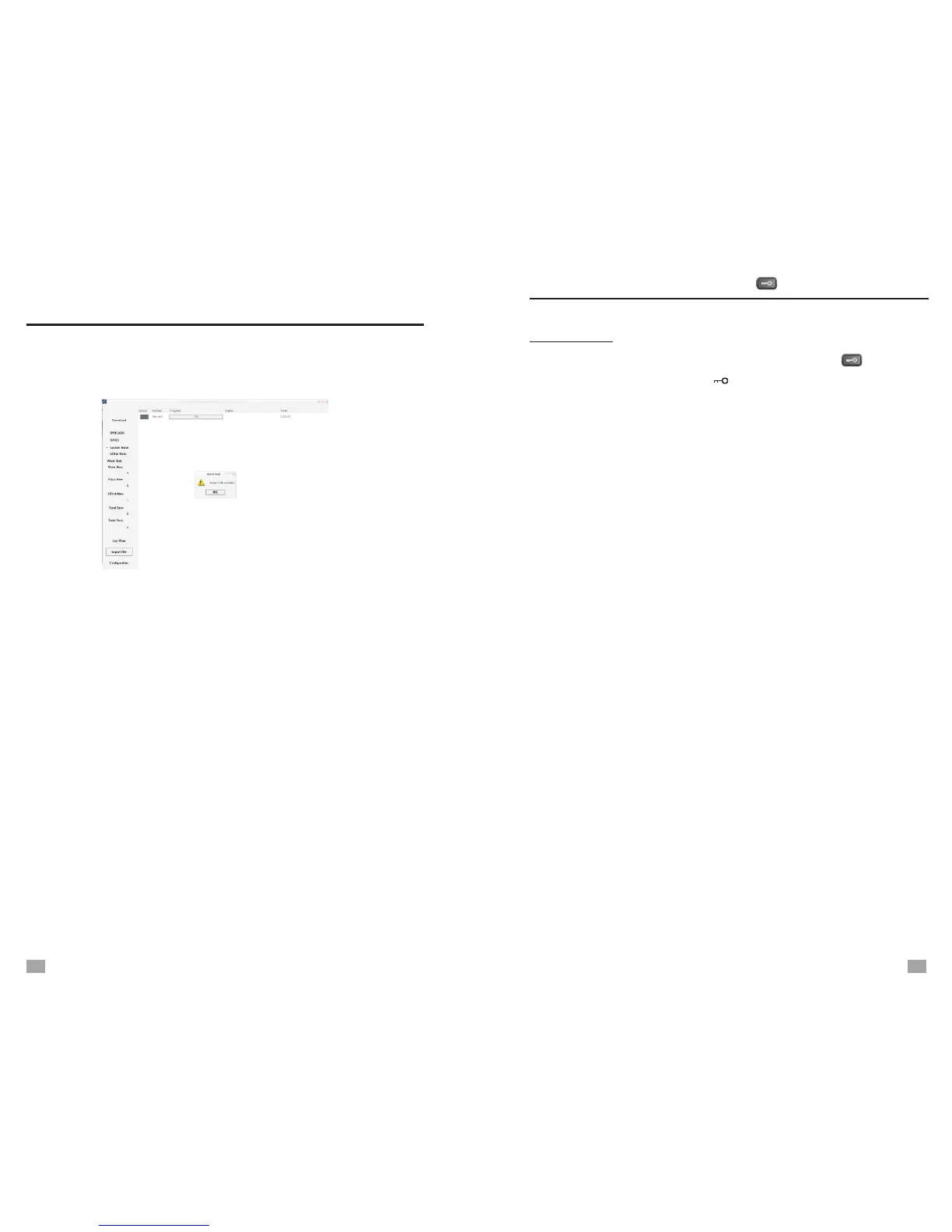
3. Select [Update Mode], and click [Import File] to choose the
“DE1129***.upd”, then connect DE1129 and computer with
provided USB cable. Click [Download].
4. The [Device 0,0%] advancing till 100%, and the process
bar turn to green.
5. Disconnect the unit and computer, the unit will turn on
automatically.
Note: 1. If the upgrade fails, cancel the selection of [Update
Mode], and follow the same steps again. But please
remove your files in the unit before this operation.
2. If the computer is not incompatible with the unit,
please try another computer.
FIRMWARE UPGRADE
To activate the locking function, press the < > button,
and the key lock symbol “ ” appears on the display;
press it again with the symbol disappear to deactivate.
Note: If the unit has no response to any operation,
please first check if the key lock symbol is shown
on the display, please deactivate it before any
operation.
KEY LOCK
KEY LOCK
29
30


 To Next Page