V0220, 7
Information panel
• Large working area
• Context sensitive keyboard
Command panel
• Functions and soft keys belonging to the specific active
function
In order to select a menu item or parameter simply tap the
screen once at the position of the icon. If it is necessary to pan
(for example in product select menu), keep your finger on screen
and move in the desired direction. Pan is available to scroll in
horizontal as well as vertical direction.
2.2 Available menus
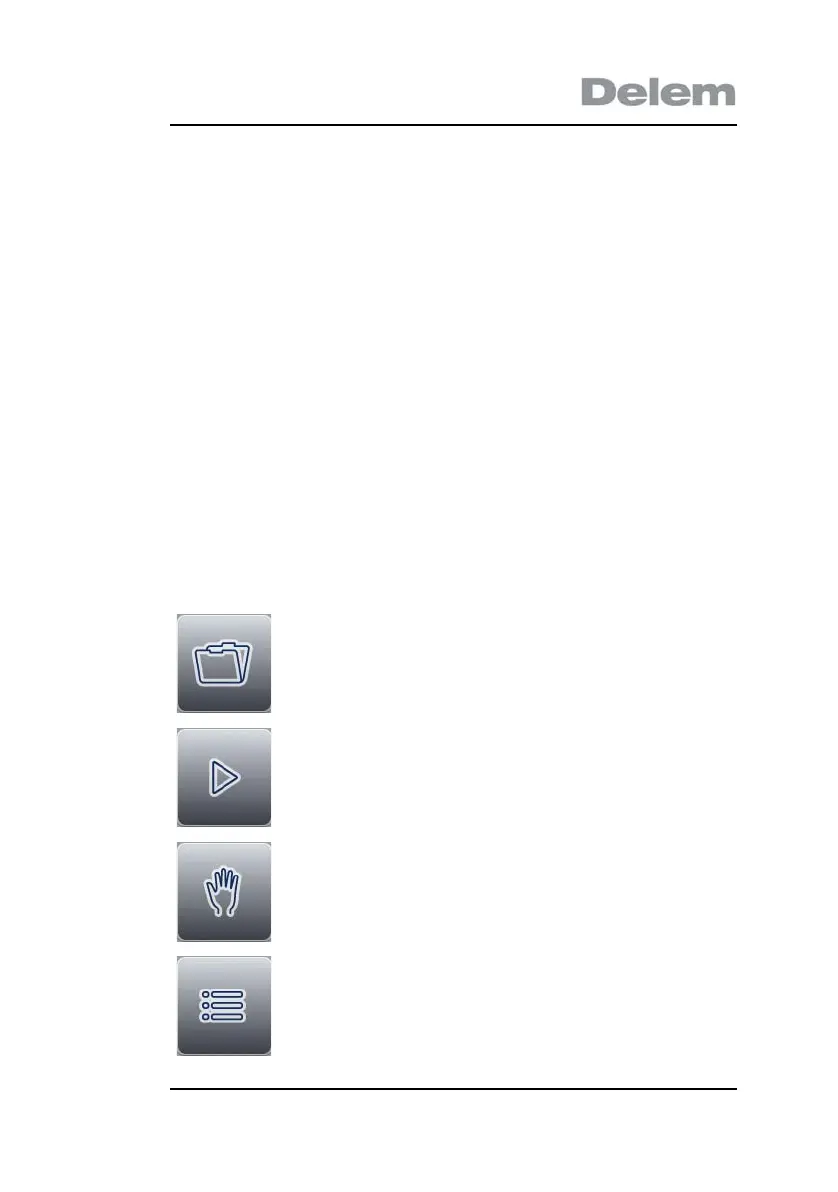
The DA-40T has several modes for programming and operation:
Program selection
Select an existing program, or create a new
program.
Automatic mode
Execute a program, or program step
parameters.
Manual mode
Execute a single program step.
Settings
Several control settings.


 To Next Page