V0220, 9
There is a second code available for the key lock function. When
code 21 is entered instead of code 42 the user interface is
blocked. This can be used to block the machine from
unauthorized use without switching the machine off. This special
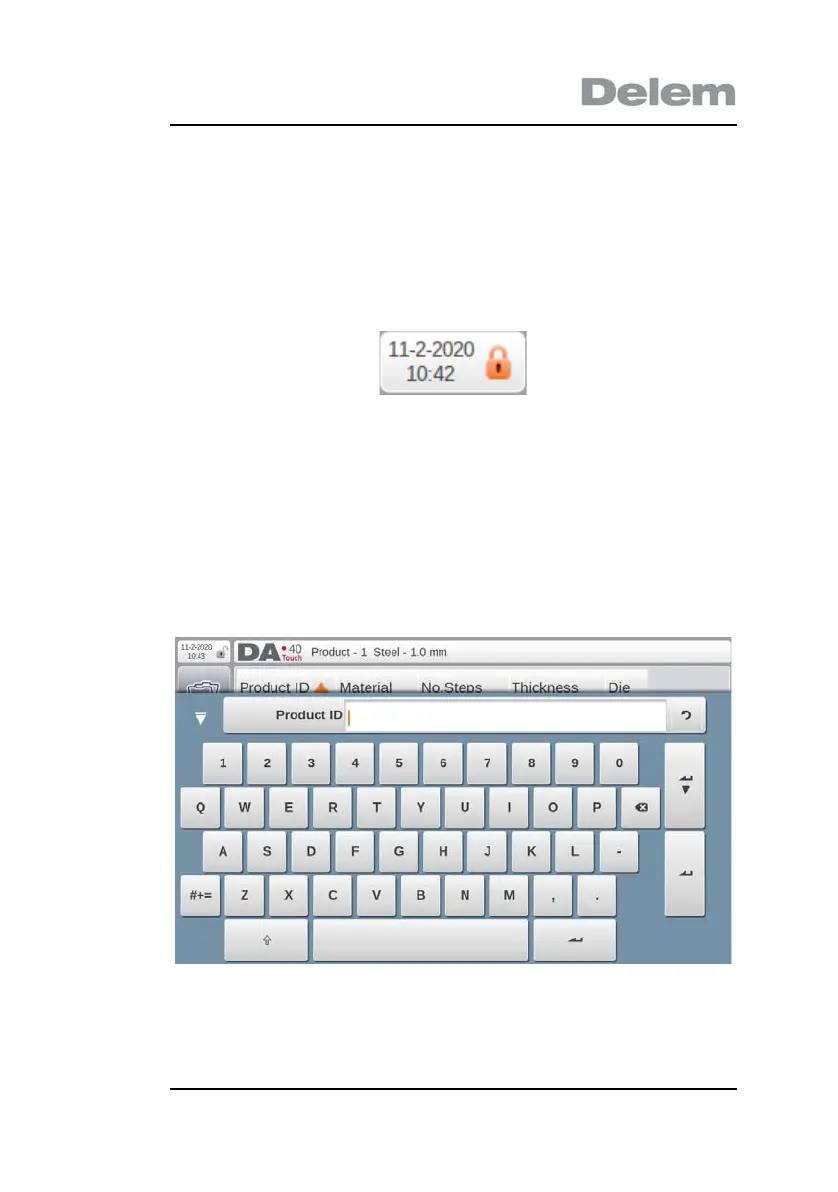
blocked stage can be recognized by an orange colored key lock
symbol:
To release the controller for normal operation, tap the key lock
symbol and enter code 21 followed by enter.
2.4 On screen keyboard
The DA-40T has a build in on screen keyboard as displayed
below.
Besides the numerical and alphanumerical keys there are some
additional keys:


 To Next Page