V0220, 8
The several modes are explained in detail in chapters 3 to 6.
2.3 Key lock
The control is equipped with a key lock function, to prevent
unauthorised programming.
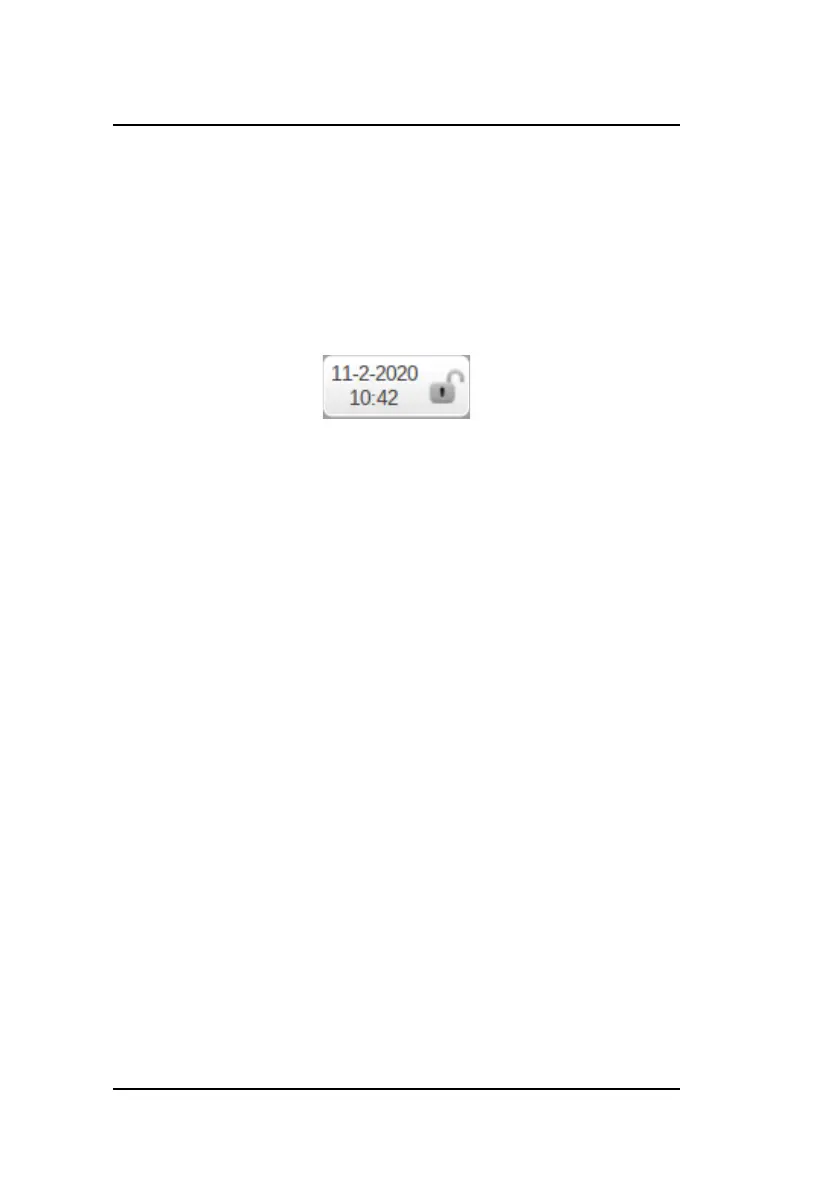
It depends on the machine if this lock is accessible over the
touch screen interface (upper left corner) or an external physical
key switch.
To lock or unlock the controller, tap the key lock to open the on
screen keyboard. Enter code 42 and press enter. You will see
the status of the key lock is toggled from closed to open or from
open to closed.
If the control is unlocked (key lock is open), it can be
programmed as described in this manual. If locked (key lock
closed), the following restrictions apply:
• programs cannot be created or edited
• programs cannot be deleted
• tools cannot be created or edited
The following actions are still possible when the control is
locked:
• programs can be selected (if they consist of one or more
steps),
• programs can be executed,
• Y-axis corrections within programs can be changed,
• settings can be changed,
• axes can be moved in manual movement mode,
• in the manual mode it is still possible to program and
execute one step.


 To Next Page