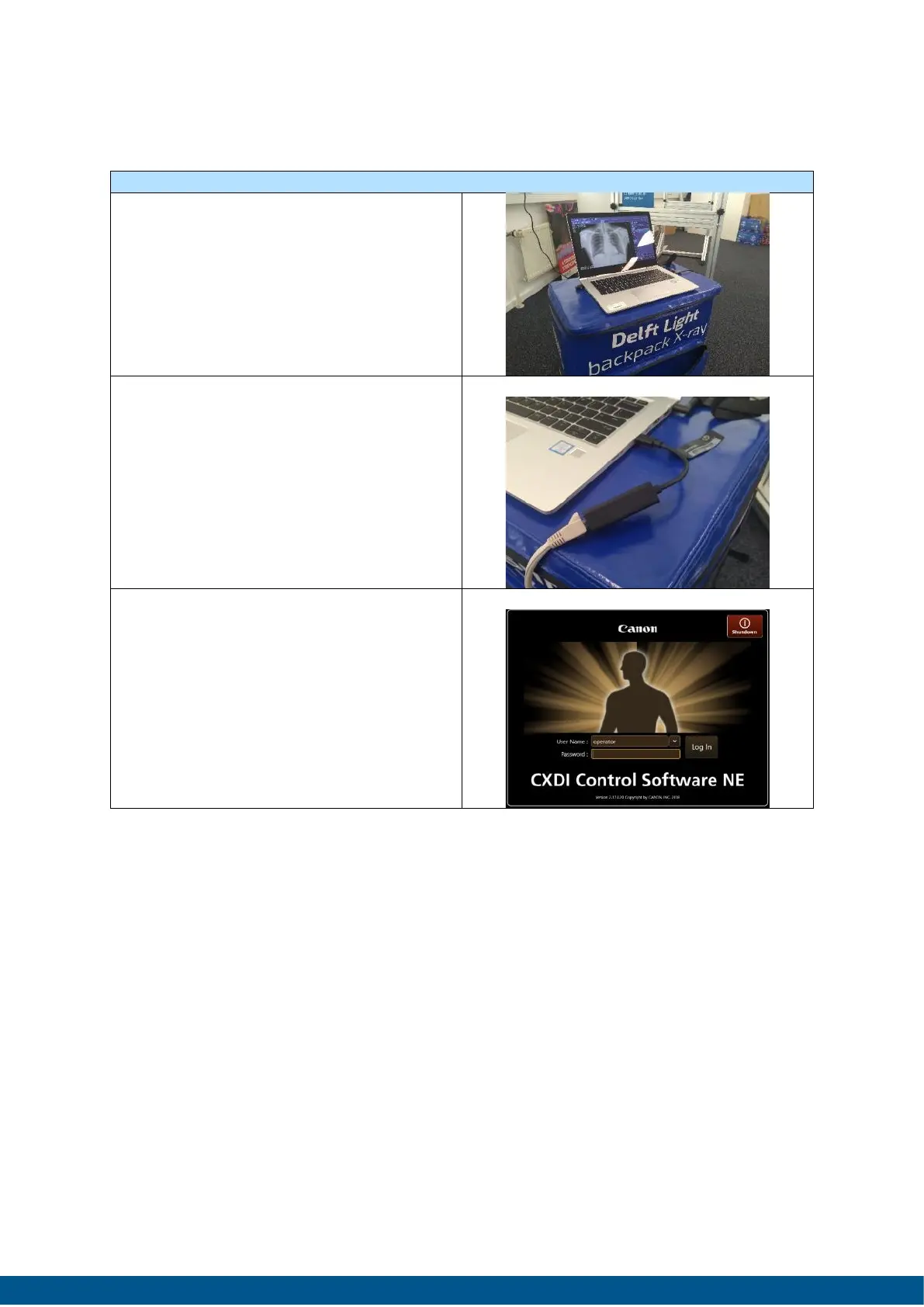
1. Unpack X-ray laptop from
backpack and put it on a stable
surface (the top of the backpack
can be used for this).
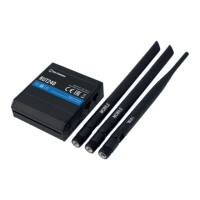
2. Connect the CXDI LAN cable
between the laptop and
detector using the provided USB-
c-2-UTP converter. See image for
reference.
Workflow step by step
After installation of all components the system can be used to start screening. The
Delft Light supports several methods of Patient identification:
• Using an existing (radiology) Information System using Dicom Modality Worklist
protocols
• Typing in the patient demographics
• Using a bar- or QR scanner which will automatically fill in the required
demographics like, Name, Sex, Date of Birth and a unique identifier by
scanning the bar- or QR-code.
The following procedure should be done before the patient or participant is called
into the room.


 To Next Page