58
|
Additional UPS Features
Dell Network Management Card (Optional)
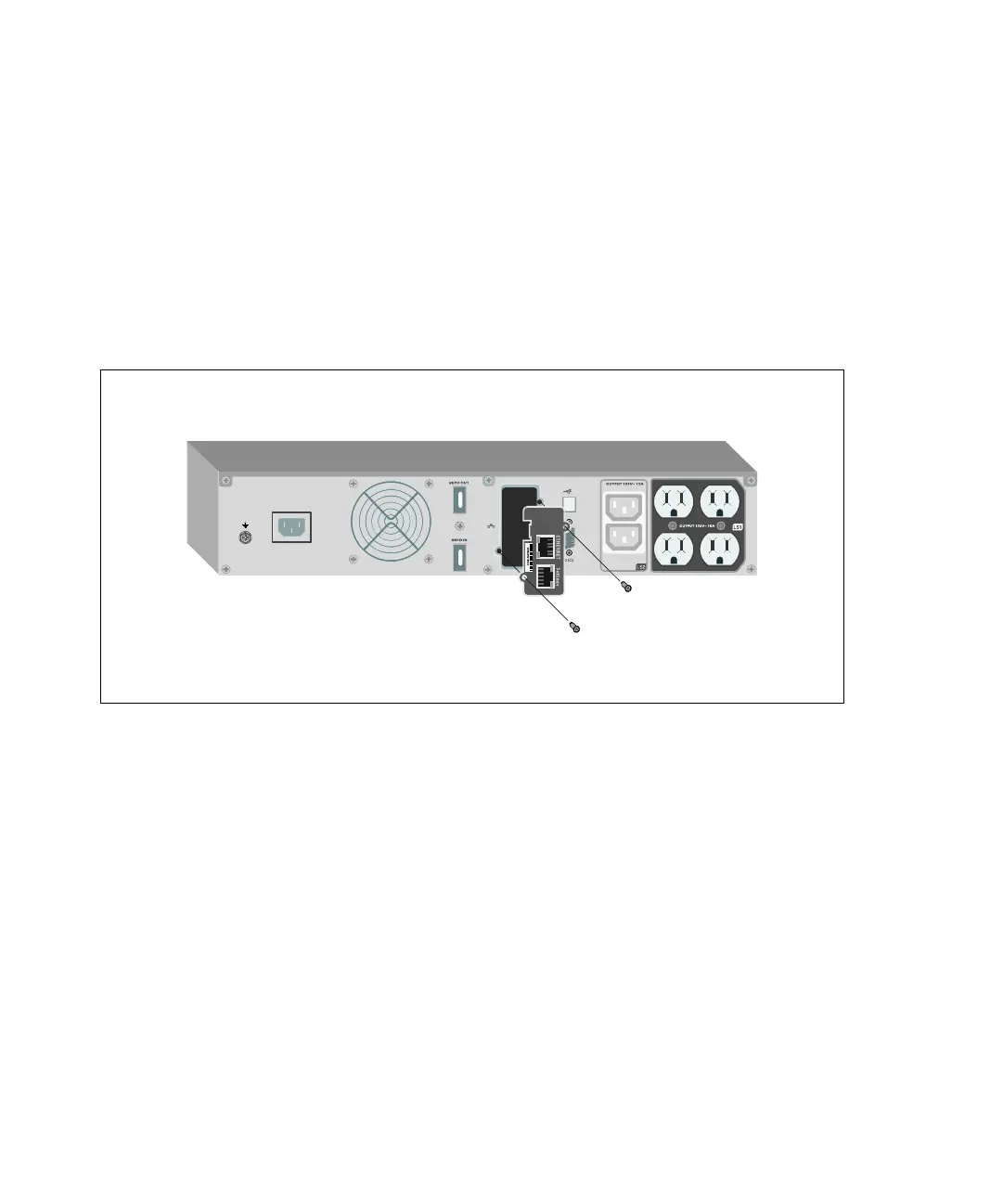
The Dell Line-Interactive Rack UPS has one available communication bay, which supports the optional
Dell Network Management Card. See Figure 33 for the location of the communication bay.
It is not necessary to shut down the UPS before installing a communication card.
1 Remove the slot cover secured by two screws. Retain the screws.
2 Insert the communication card into the slot.
3 Secure the card with both screws.
IN P U T 100−120V~
Figure 33. Dell Network Management Card
For details on disabling control commands from the Dell Network Management Card, see the Control
Commands from Serial Port setting on page 47.
Refer to the Dell Network Management Card User's Guide for more information.



 To Next Page