63
UPS Maintenance
|
6 Close the metal battery cover.
Adjust the battery connector so that the door closes properly. Push the door slightly to the right
and then to left.
7 Tighten the thumbscrew.
Torque the screw to 0.7 Nm (6.2 lb in).
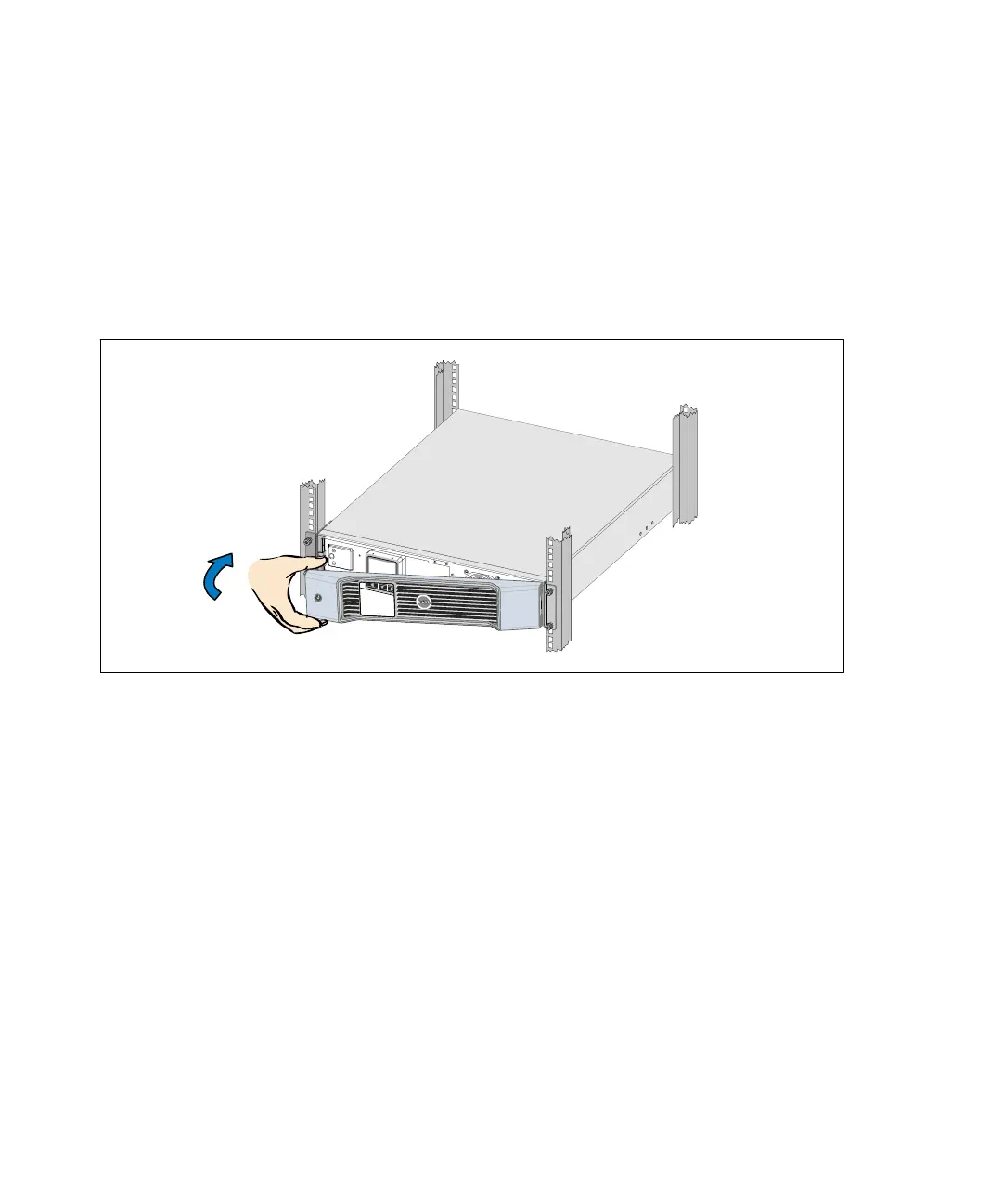
8 Replace the UPS front cover (see Figure 37).
Figure 37. Replacing the UPS Front Cover
Storing the UPS and Batteries
If you store the UPS for a long period, recharge the battery every 6 months by plugging the UPS into a
power outlet. The batteries charge to 90% capacity in approximately 4 hours. However, it is
recommended that the batteries charge for 48 hours after long-term storage.
Check the battery recharge date on the shipping carton label. If the date has passed and the batteries
were never recharged, do not use the UPS. Contact your service representative.



 To Next Page