28
|
Installation
Installing the EBM
NOTE: A small amount of arcing may occur when connecting an EBM to the UPS. This is normal and will not
harm personnel. Insert the EBM cable into the UPS battery connector quickly and firmly.
An optional EBM can be installed for 1920–2700W UPS models.
To install the optional EBM:
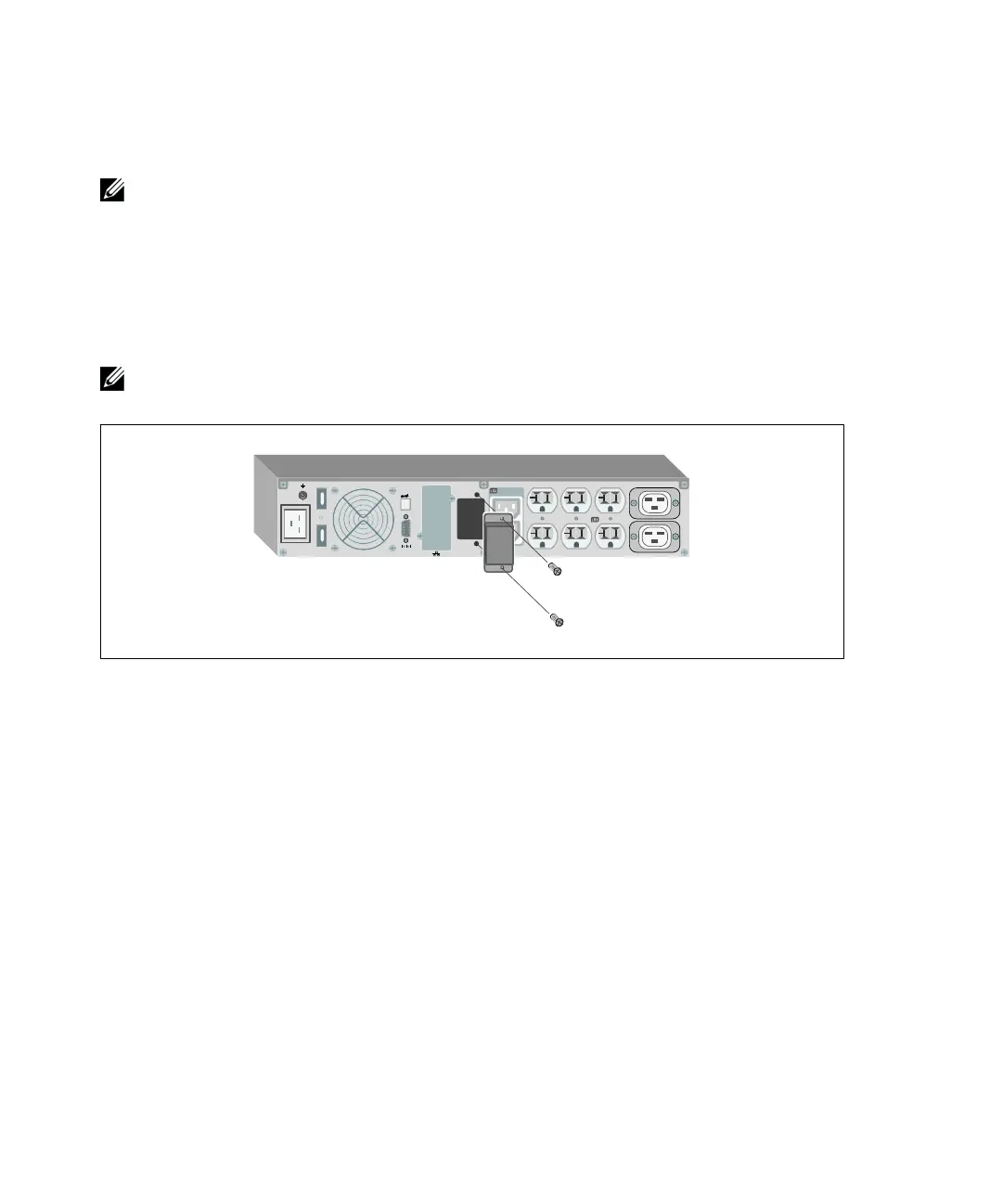
1 Remove the battery connector cover from the rear panel as shown in Figure 26. Retain the cover
and screws.
NOTE:
If the UPS is stored or used without an EBM, the battery connector cover must be installed as a safety
precaution.
Figure 26. Removing the Battery Connector Cover



 To Next Page