Using Your Projector 23
adjust the settings.
To go back to Main Menu, go to Back tab and press the Enter button on the
control panel or the remote control.
To exit the OSD, go to EXIT tab and press the Enter button or press the Menu
button directly on the control panel or the remote control.
Main Menu
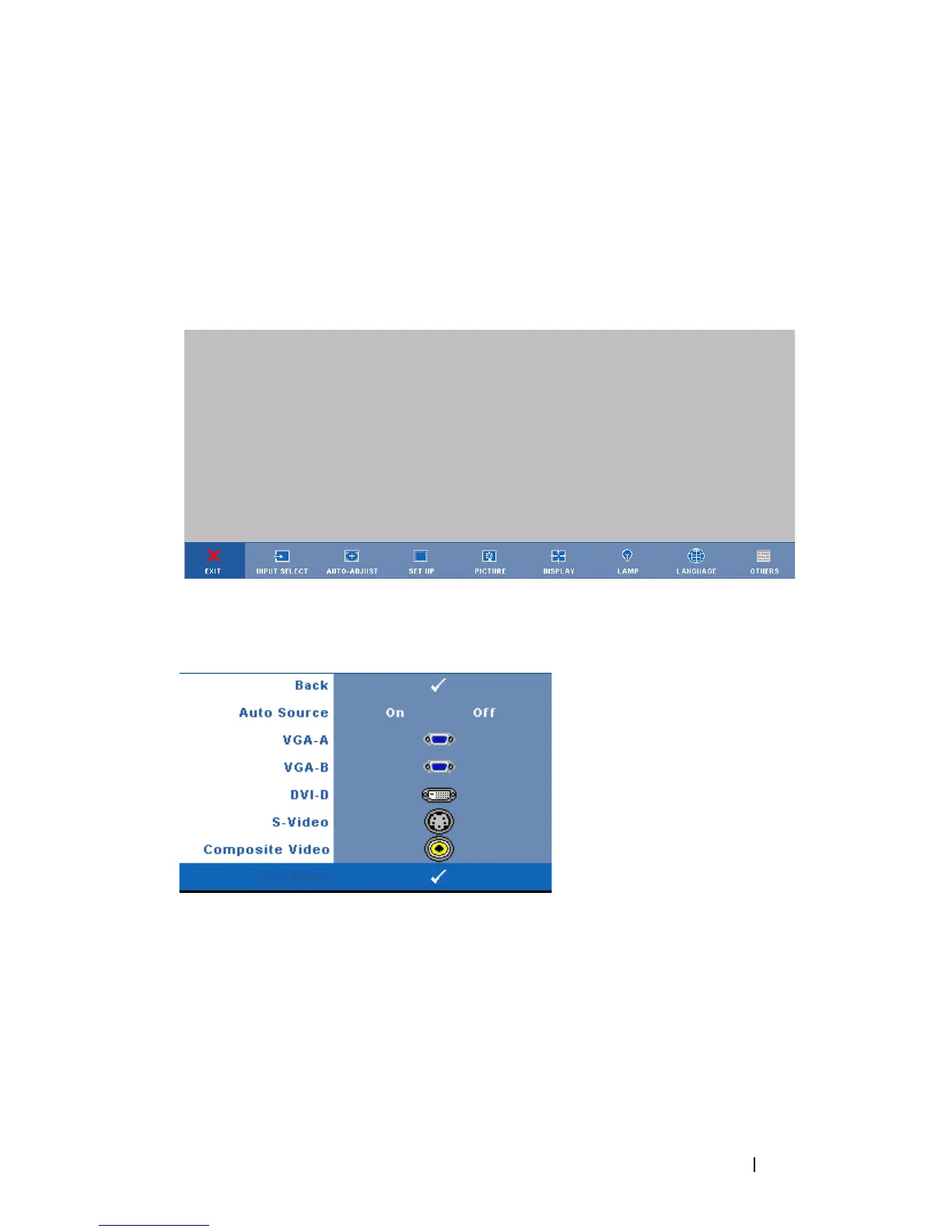
INPUT SELECT
The Input Select menu allows you to select your projectors input source.
A
UTO SOURCE—Select On (the
default) to autodetect the
available input signals. If you
press the Source button when
the projector is on, it
automatically finds the next
available input signal. Select
Off to lock the current input
signal. If you press the Source
button when the Auto Source
mode is set to Off, you can
manually select the input signal.
VGA-A—Press Enter to detect VGA-A signal.
VGA-B—Press Enter to detect VGA-B signal.
DVI-D—Press Enter to detect DVI-D signal.
S-V
IDEO—Press Enter to detect S-Video signal.
C
OMPOSITE VIDEO—Press Enter to detect Composite Video signal.



 To Next Page