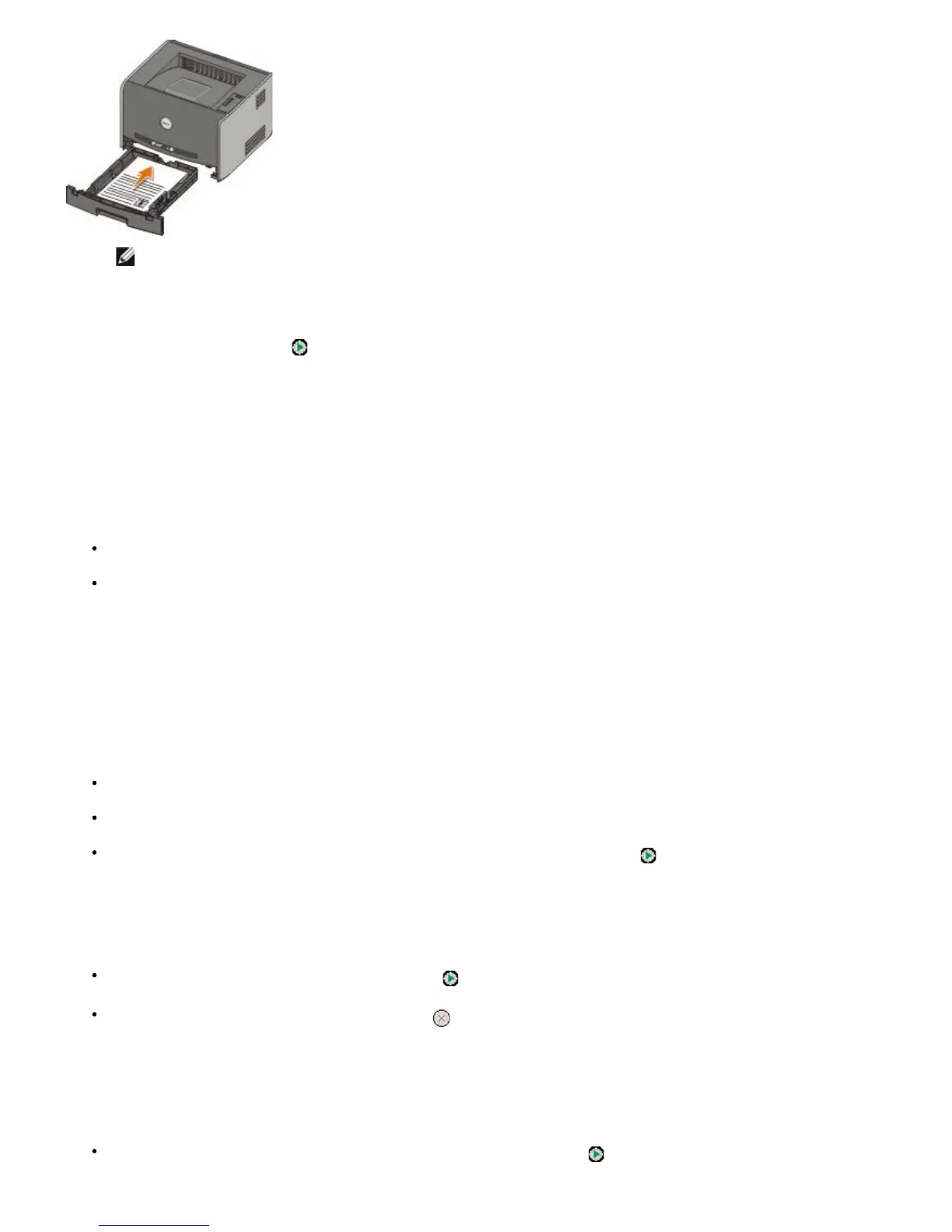
NOTE: Although you can use Tray 1 or Tray 2 to print the first side of the duplex job, only use Tray 1 to print
the second side.
4. Replace Tray 1.
5. Press the Continue button
.
30 Invalid Refilled Cartridge
The cartridge in your printer has been refilled. Install a new toner cartridge.
31 Missing or Defective Cartridge
If the toner cartridge is not installed, install it.
If the toner cartridge is installed, remove it and install a new toner cartridge.
32 Unsupported Print Cartridge
Install the correct toner cartridge for your printer.
34 Paper Too Short
Make sure the paper you loaded is large enough.
Check for a paper jam.
To clear the message and continue printing the job, press the Continue button . The remaining pages of the
print job may not print correctly.
35 Insufficient Memory for Resource Save
To clear the message, press the Continue button .
To cancel the print job, press the Cancel button .
To prevent this error in the future, install additional memory.
37 Insufficient Memory to Collate
To clear the message and continue printing, press the Continue button . The remaining pages of the job may not
print correctly.



 To Next Page