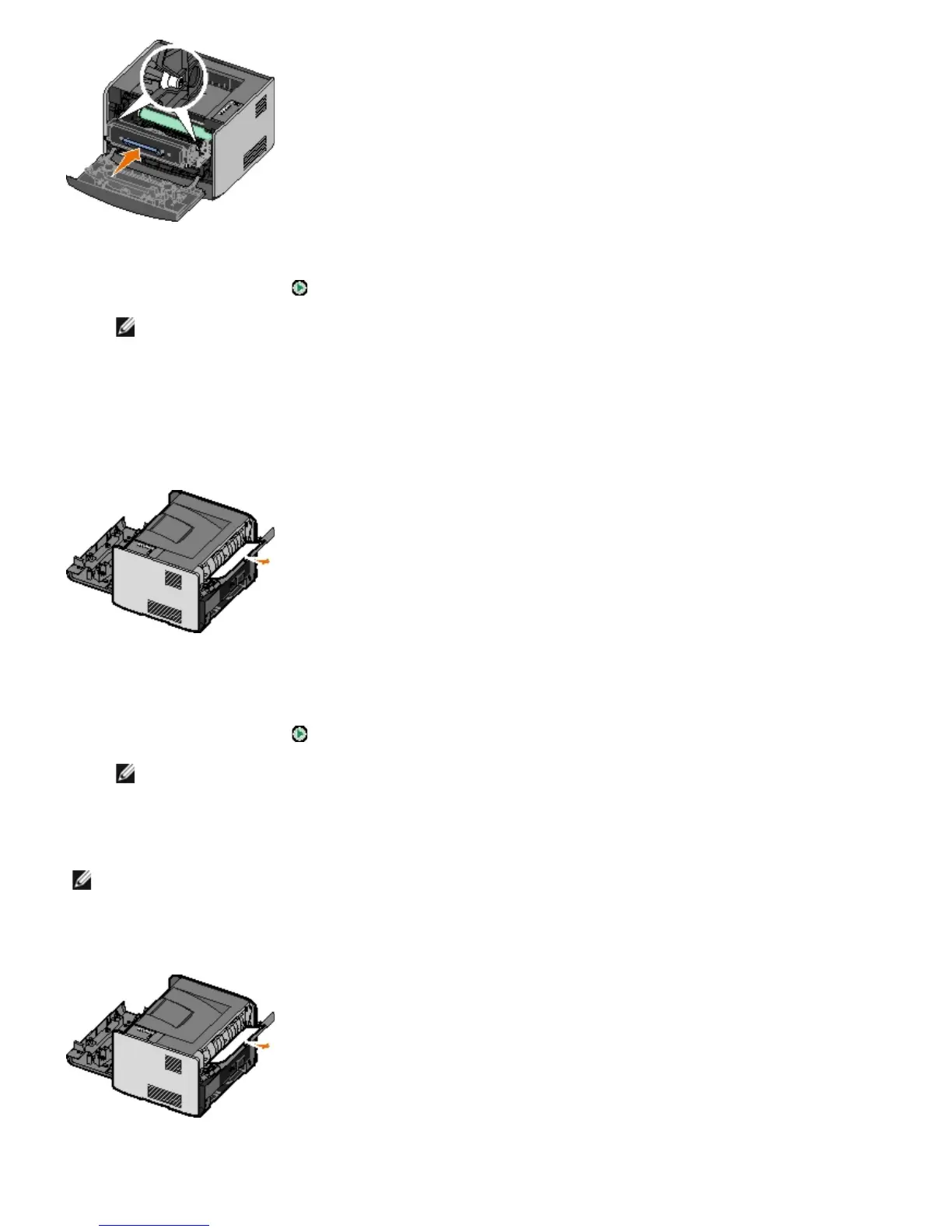
5. Close the front cover.
6. Press the Continue button
.
NOTE: The printer reprints the pages that caused the paper jam.
202 Paper Jam — Open Rear Door
There is a paper jam at the printer exit sensor.
1. Open the rear exit.
2. Remove the jammed paper.
3. Close the rear exit.
4. Press the Continue button
.
NOTE: The printer reprints the pages that caused the paper jam.
231 Duplex Paper Jam — Open Rear Door
There is a paper jam in the rear of the duplex paper path.
1. Open the rear exit.
2. Remove the jammed paper.
NOTE: This message appears only if the printer has an automatic duplex unit.



 To Next Page