3. Close the rear exit.
4. Press the Continue button
.
NOTE: The printer reprints the pages that caused the paper jam.
232 Duplex Paper Jam — Remove Tray 1
There is a paper jam in the duplex unit.
1. Remove Tray 1.
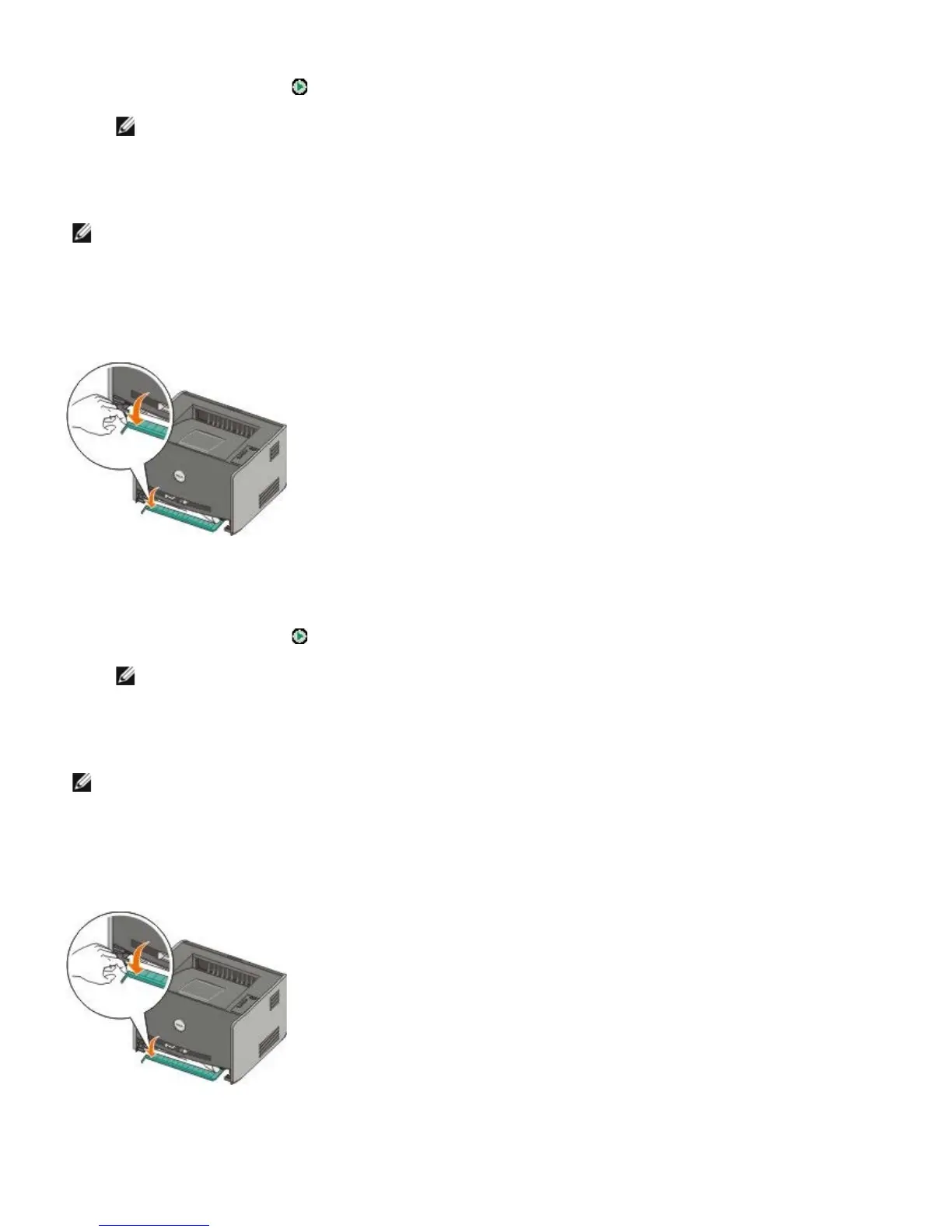
2. Press down the lever on the automatic duplex unit.
3. Remove the jammed paper.
4. Replace Tray 1.
5. Press the Continue button
.
NOTE: The printer reprints the pages that caused the paper jam.
233 Duplex Paper Jam — Remove Tray 1
There is a paper jam in the front of the duplex unit.
1. Remove Tray 1.
2. Press down the lever on the automatic duplex unit.
3. Remove the jammed paper.
4. Replace Tray 1.
NOTE: This message appears only if the printer has an automatic duplex unit.
NOTE: This message appears only if the printer has an automatic duplex unit.



 To Next Page