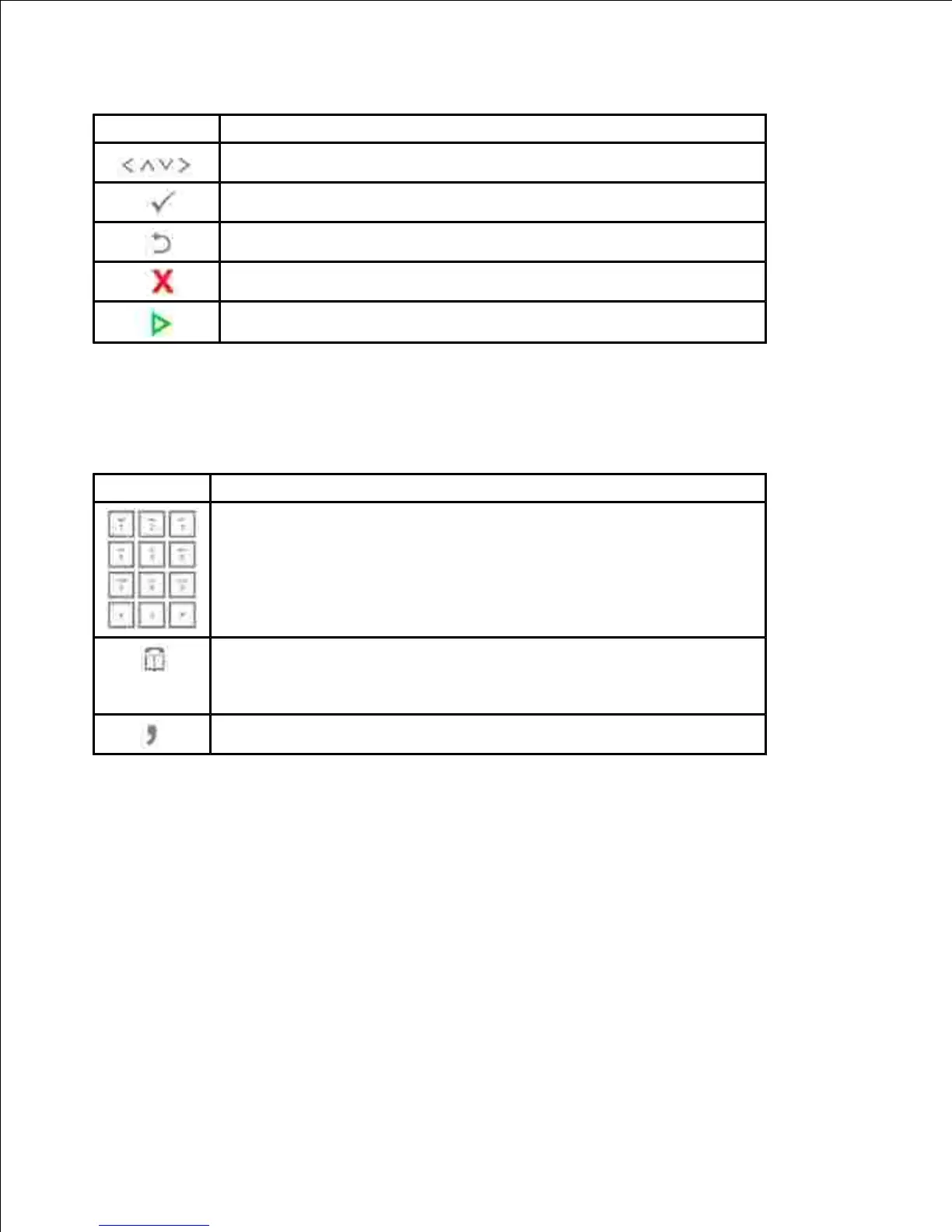
Scroll through available options.
Confirm the selection on the display.
Return to the upper menu.
Stop an operation at any time, or return to main menu.
Dial/Enter number or enter alphanumeric characters.
Store frequently used fax numbers in memory or search for stored fax
numbers or email addresses.
It also allows you to print a Phonebook list.
Insert a pause into a fax number in edit mode.
Understanding the Status LED
When the problem occurs, the Status LED indicates the machine's condition by the light color of it's action.











 To Next Page