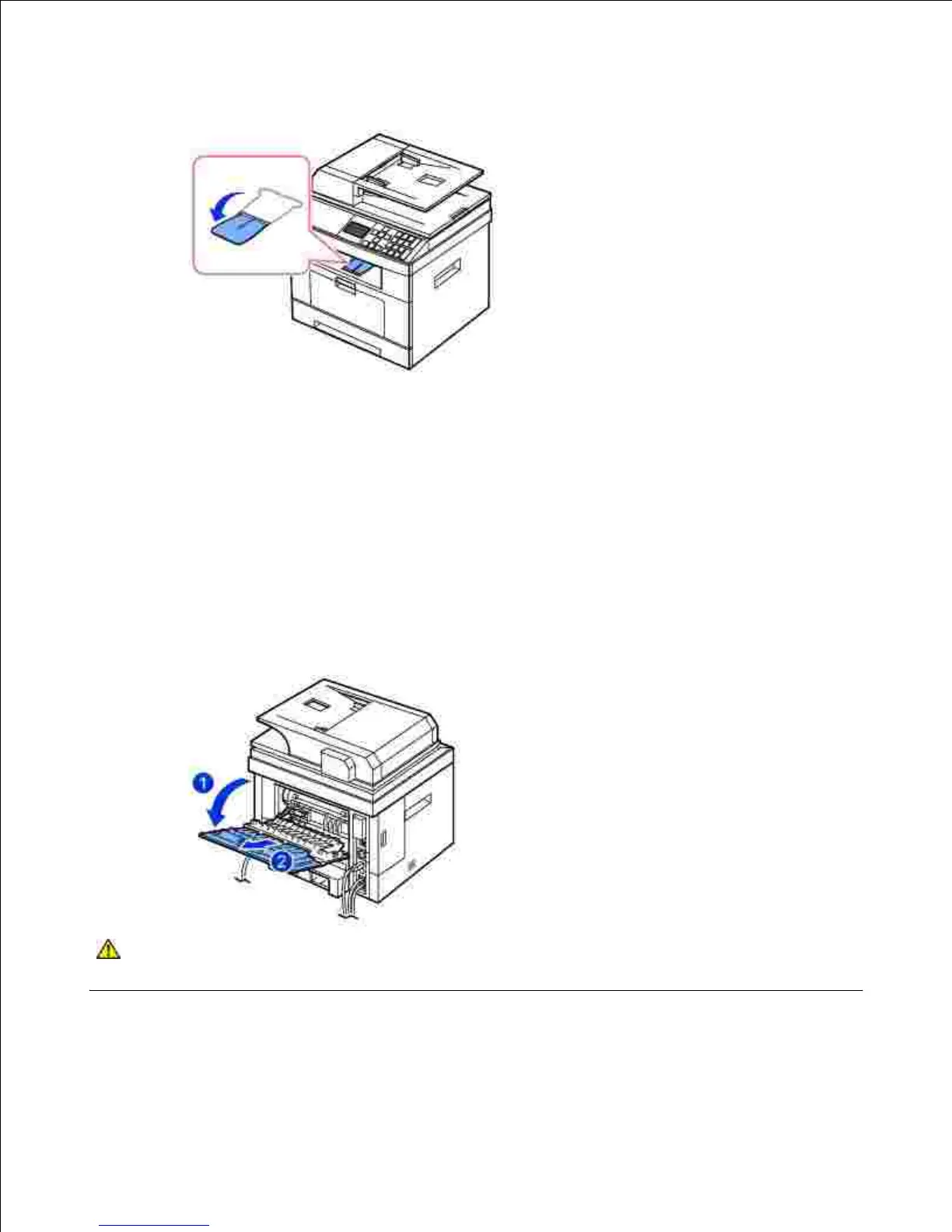
If necessary, expand the paper output extension to keep the print media from falling off the output tray.
Printing to the Rear Door (Face up)
Using the rear door, the paper comes out of the printer face up.
Printing from the MPF to the rear door provides a straight paper path. Using the rear door might improve
the output quality with special materials.
To use the rear door:
Open the rear door by pulling it.
CAUTION: The fuser area inside of the rear door of your printer becomes very hot when in
use. Take care when you access this area.











 To Next Page