2.
The next time you open the Scanner Properties window, the saved setting is automatically selected for
the scan job.
To delete a Job Type setting:
Select the setting you want to delete from the Job Type drop-down list.1.
Click Delete.2.
The setting is deleted from the list
Using the Image Editor
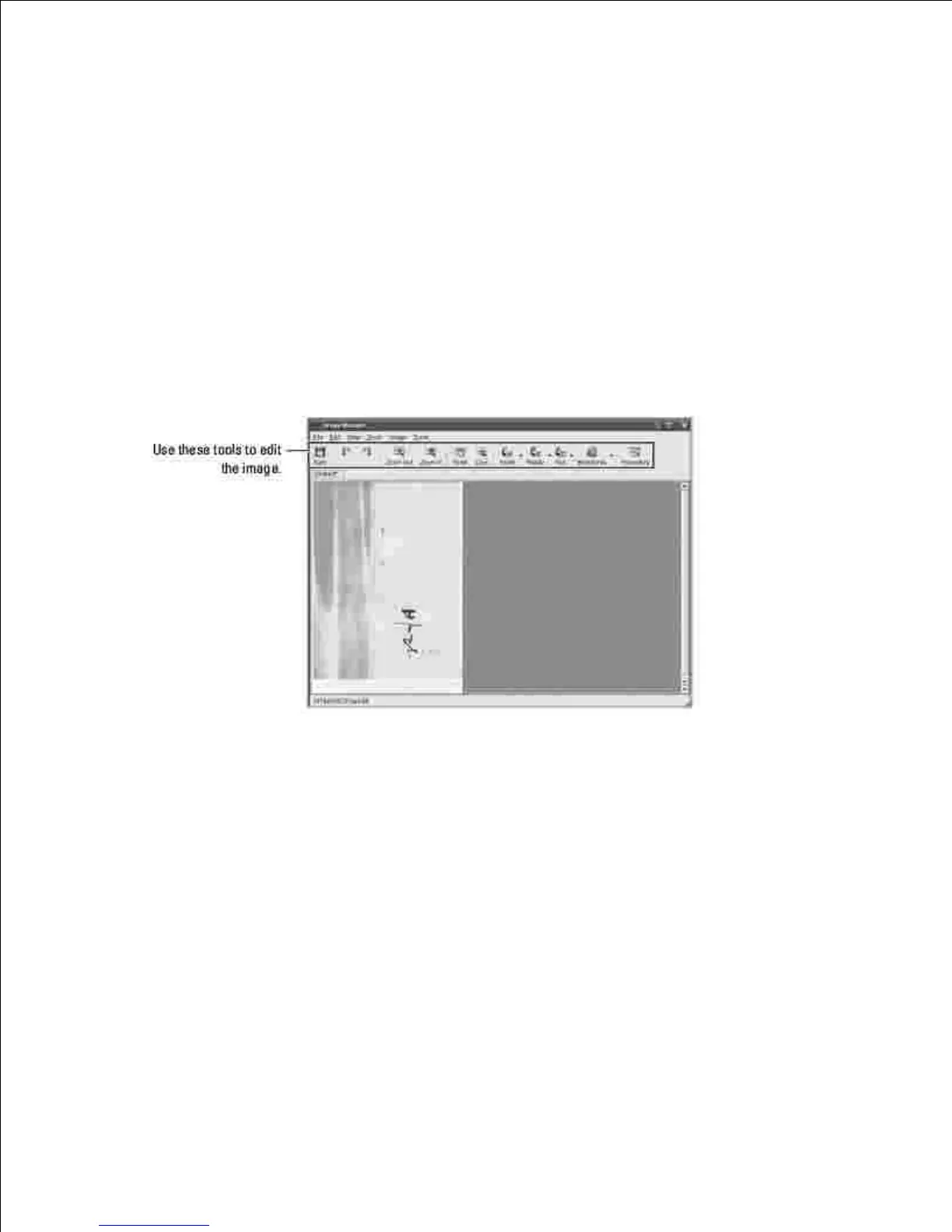
The Image Manager window provides you with menu commands and tools to edit your scanned image.
You can use the following tools to edit the image:











 To Next Page