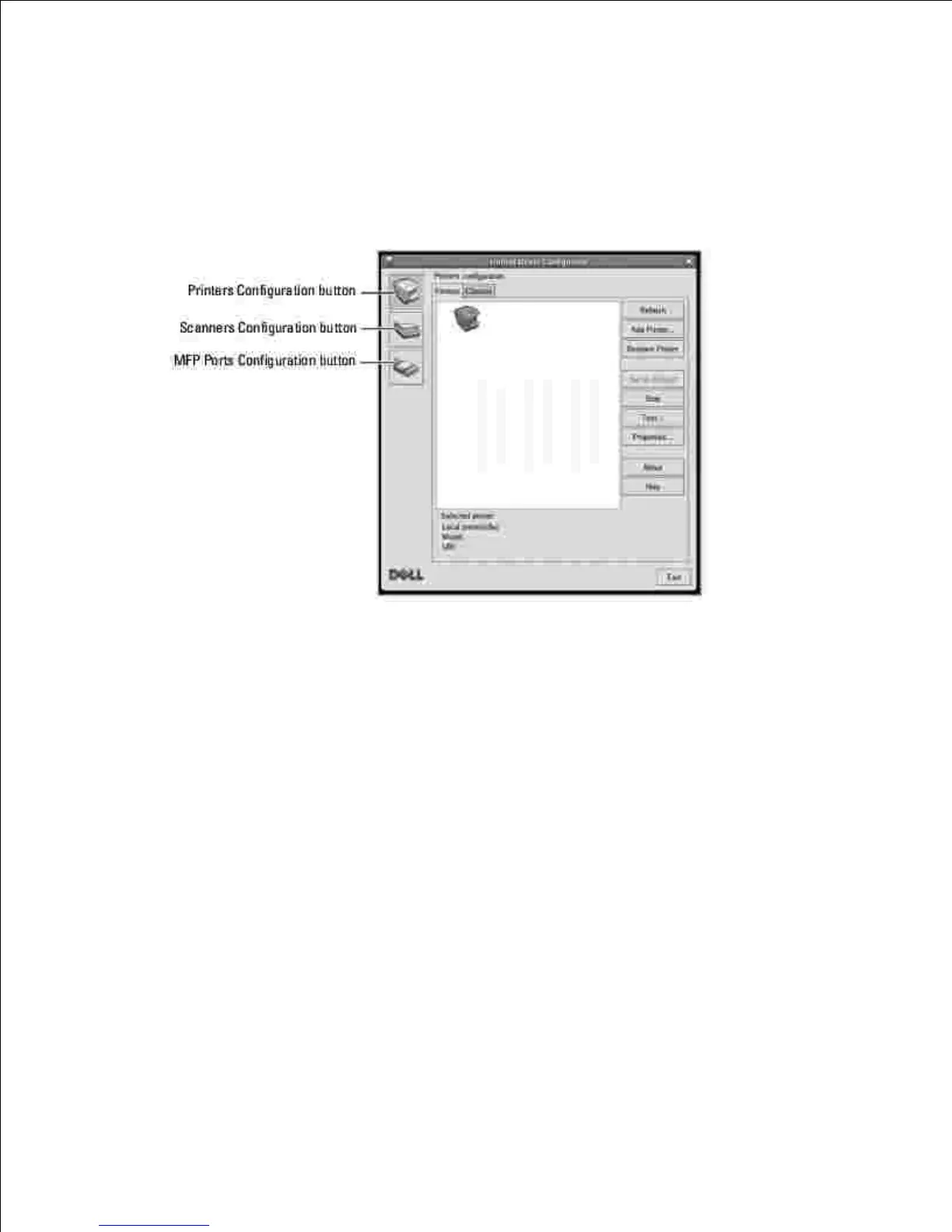
Double-click Unified Driver Configurator on the desktop.1.
You can also click the Startup Menu icon and select Dell MFP and then Unified Driver Configurator.
Press each button on the Modules pane to switch to the corresponding configuration window.2.
You can use the onscreen help by clicking Help.
After changing the configurations, click Exit to close the Unified Driver Configurator.3.
Printers Configuration
Printers configuration has the two tabs; Printers and Classes.
Printers Tab
You can see the current system's printer configuration by clicking on the printer icon button on the left side
of the Unified Driver Configurator window.











 To Next Page