1.
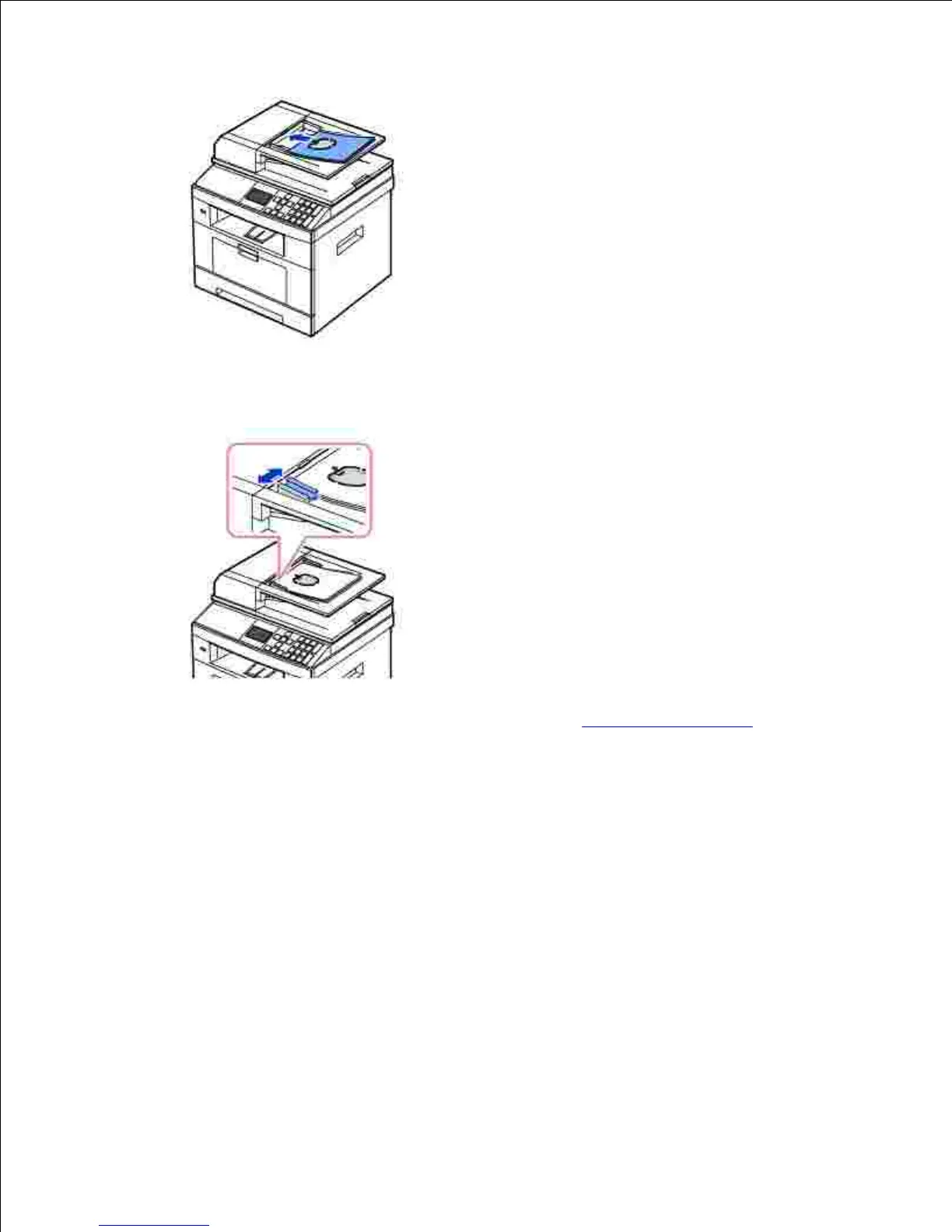
Adjust the document width guides to the correct document size. Ensure that the bottom of the
document stack matches the paper size marked on the document input tray.
2.
For detailed guidelines for preparing an original document, see "Preparing a Document".
To load the document in the document glass:
Open the document cover.1.











 To Next Page