1.
If the printer driver CD does not automatically run, click the icon at the bottom of the desktop.
When the Terminal screen appears, type in:
[root@localhost root]#mount -t iso9660 /dev/hdc /mnt/cdrom
[root@localhost root]#cd /mnt/cdrom/Linux
[root@localhost root]#./install.sh
If you still failed to run the CD-ROM, type the followings in sequence:
[root@localhost root]#umount/dev/hdc
[root@localhost root]#mount -t iso9660 /dev/hdc /mnt/cdrom
Click Install.2.
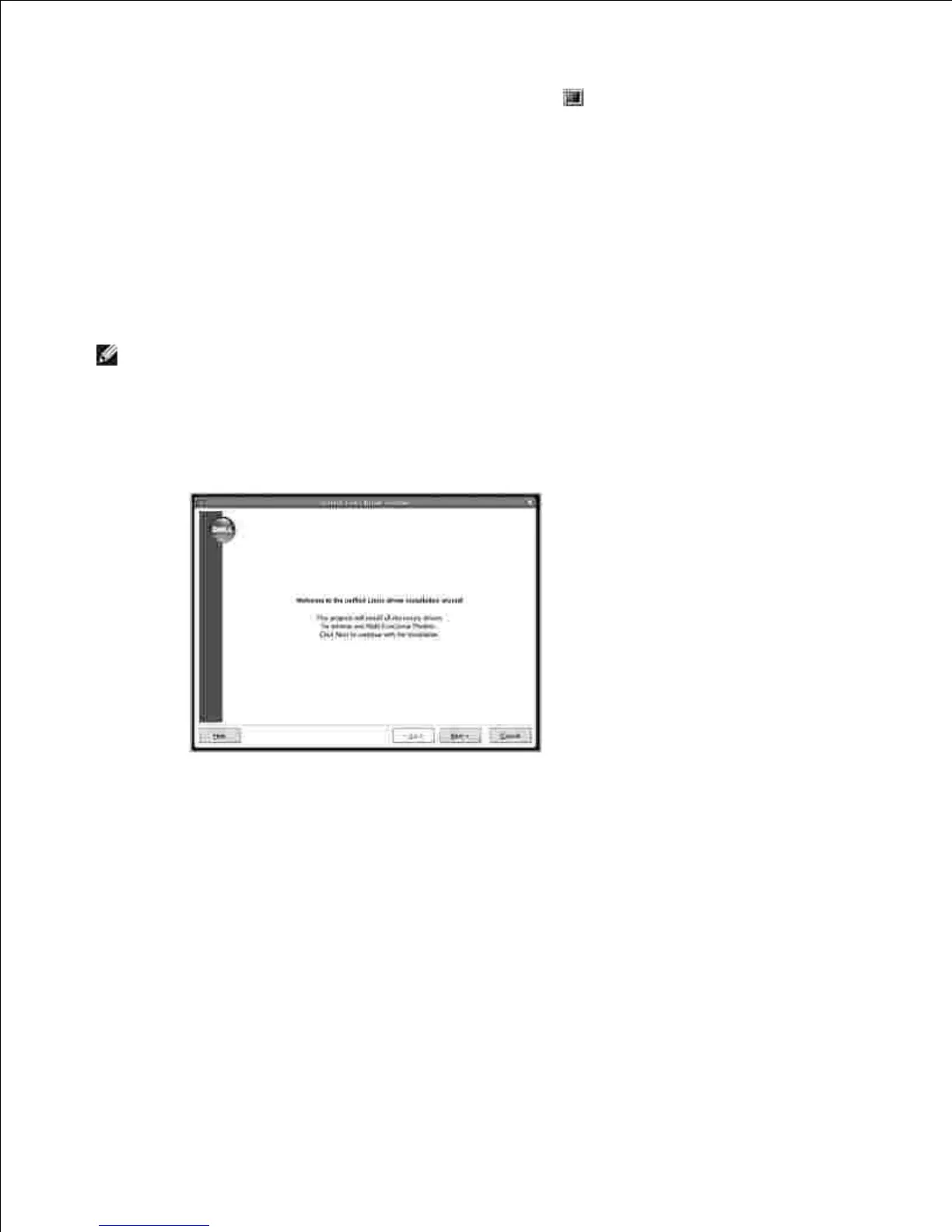
When the welcome screen appears, click Next.3.
Installation is started. When the installation is almost complete, the Add printer wizard appears
automatically. Click Next.
4.











 To Next Page