1.
If the paper does not exit, go to the next step.
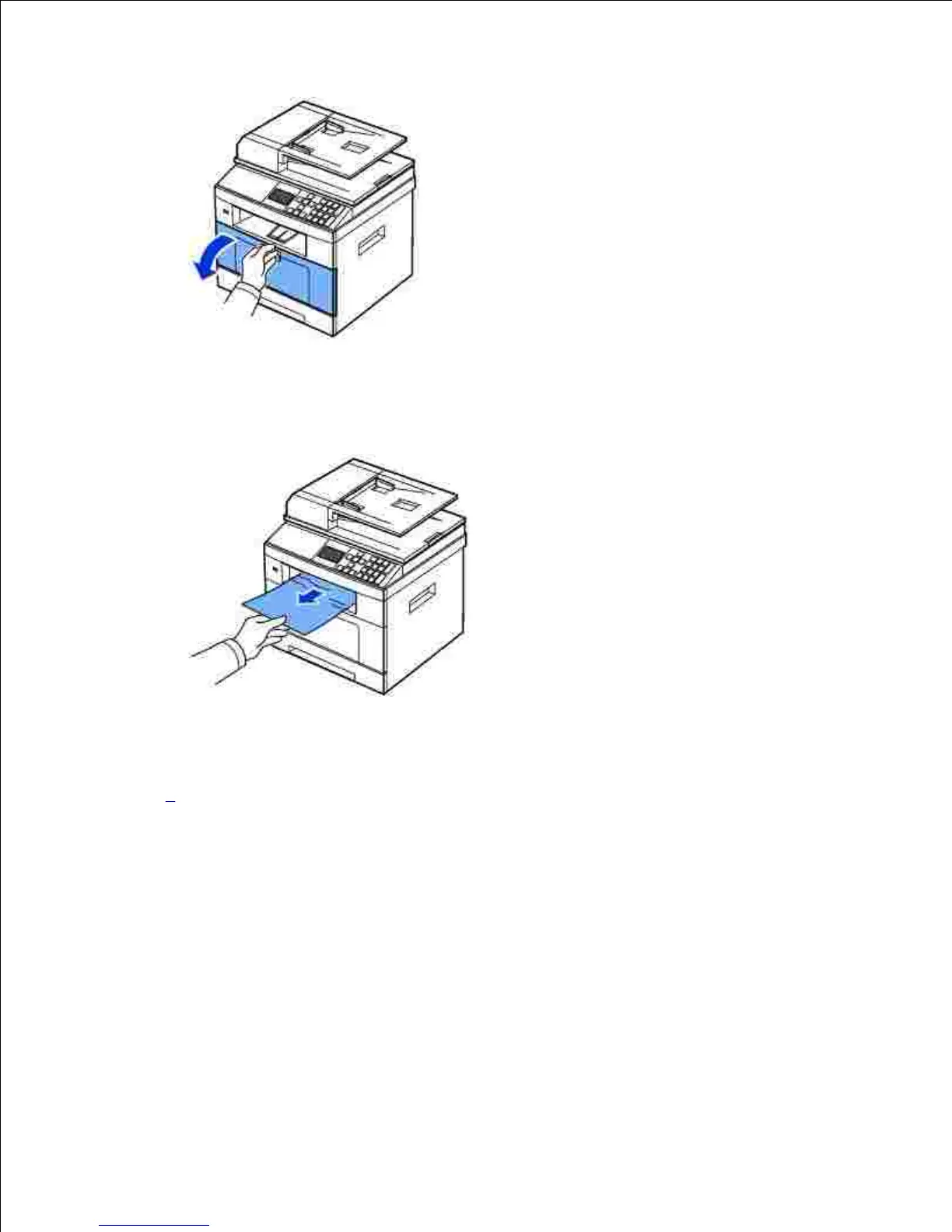
Gently pull the paper out of the output tray.2.
If you cannot see the paper in the output tray or the paper does not move when pulled, open the rear
door.
3.
If you see the jammed paper, push the two blue pressure levers down and remove the paper. Skip to
step 9.
4.











 To Next Page