NOTE: If the printer is not connected to your computer when you install the DRIVERS AND
UTILITIES CD , the No Printer Found screen appears. Follow the instructions on the screen to
install the software.
Insert the DRIVERS AND UTILITIES CD .2.
NOTE: For Windows Vista/Windows 7/Server 2008 R2, click Continue when the User Account
Control screen appears.
NOTE: If user has disabled auto continue. Then please open setup.exe from CD root folder.
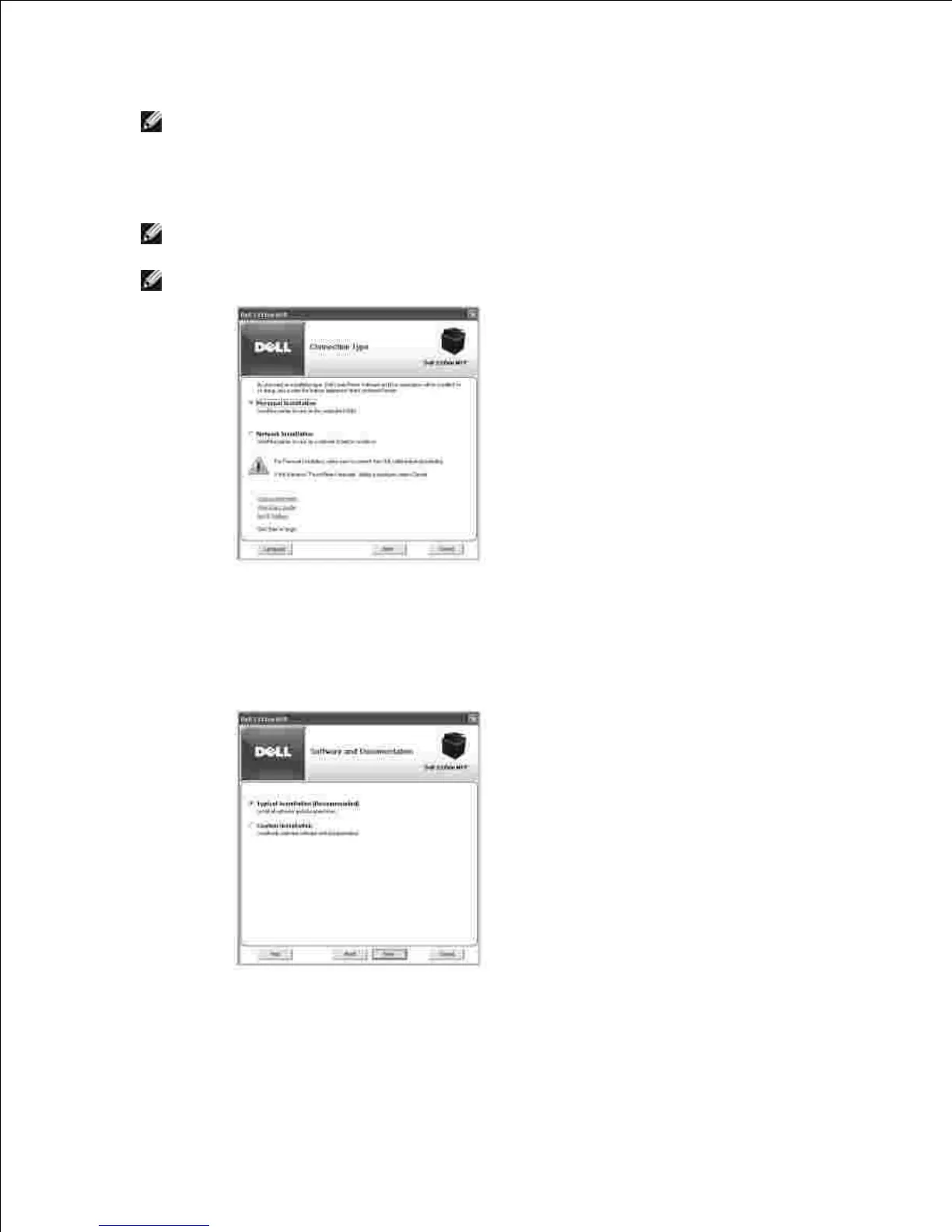
If necessary, select a language by pressing the Language button on the main screen.3.
Select Personal Installation .4.
Select Typical Installation to install the software and the User's Guide.5.
If you select Custom Installation , select the components to be installed. You can also change the
destination folder. Click Next .











 To Next Page