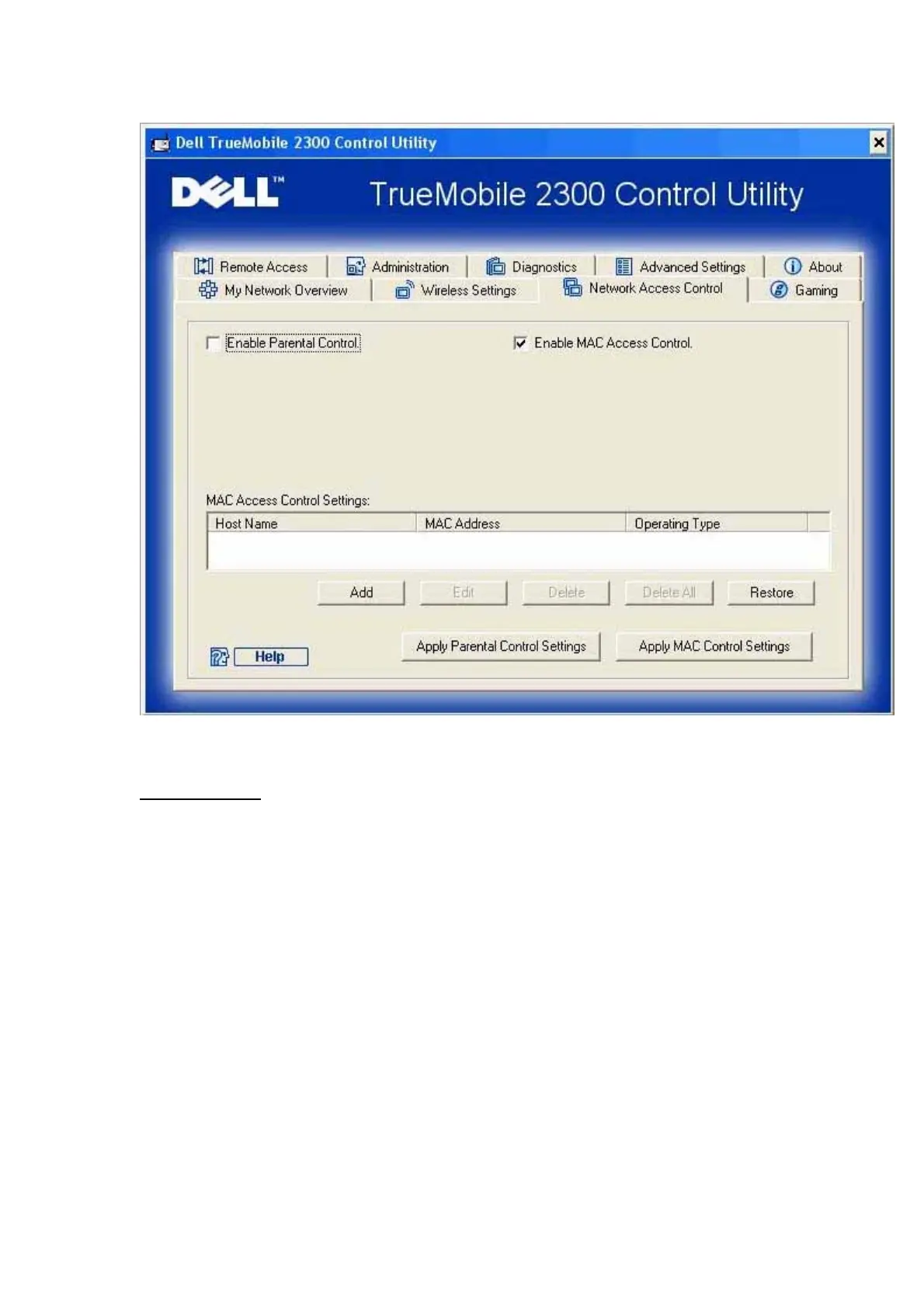
Parental Control
Parental Control allows you to determine what type of websites are accessible through your
wireless network. It also allows you to specify what time of day the Internet can be accessed.
To enable parental control, perform the following steps:
1. Click to select Enable Parental Control.
2. Click the Add button.
The Parental Control window appears.
3. Enter the IP address of the computer you want to control (for example, your child's
computer) in the Host IP field.
4. Select Allowed or Denied from the Internet Access list.
5. Enter a time Interval, during which users will be allowed to access the Internet.
6. Select allow or deny for web access.











 To Next Page