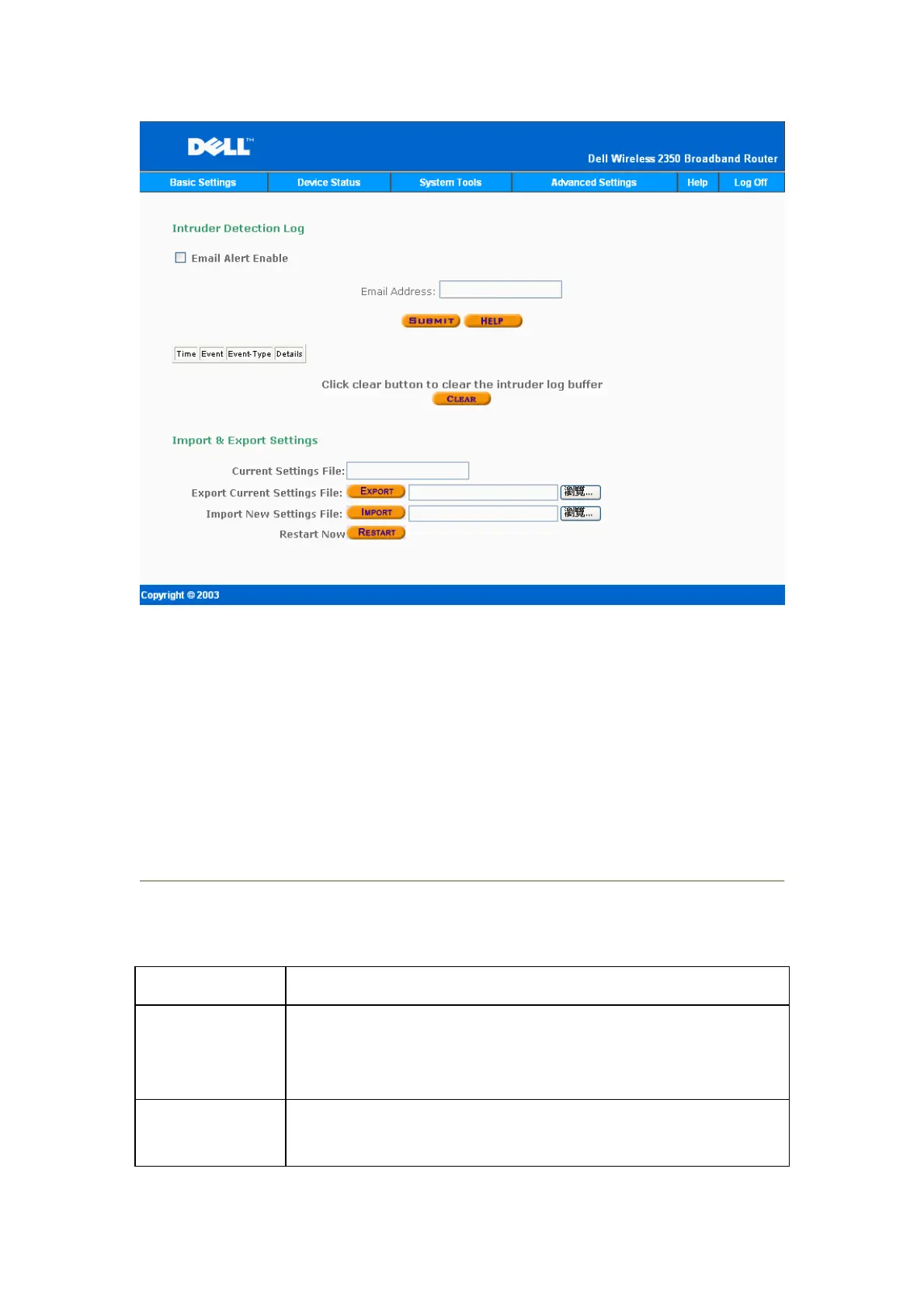
The figure above shows system statistics for all wired and wireless stations.
Dell Wireless 2350 Router allows user to save current settings into storage devices
and to load previous saved settings into the router. Click “Restart” button to export or
import configuration files.
Display Routing Table
Indicator Description
Type The type of routing. This can be either of the following:
LAN or WAN interface (INTF)
Static routing
Destination LAN IP
Address
Either an entire network or a specific IP address. An IP address ending
in .0 refers to a network.










 To Next Page