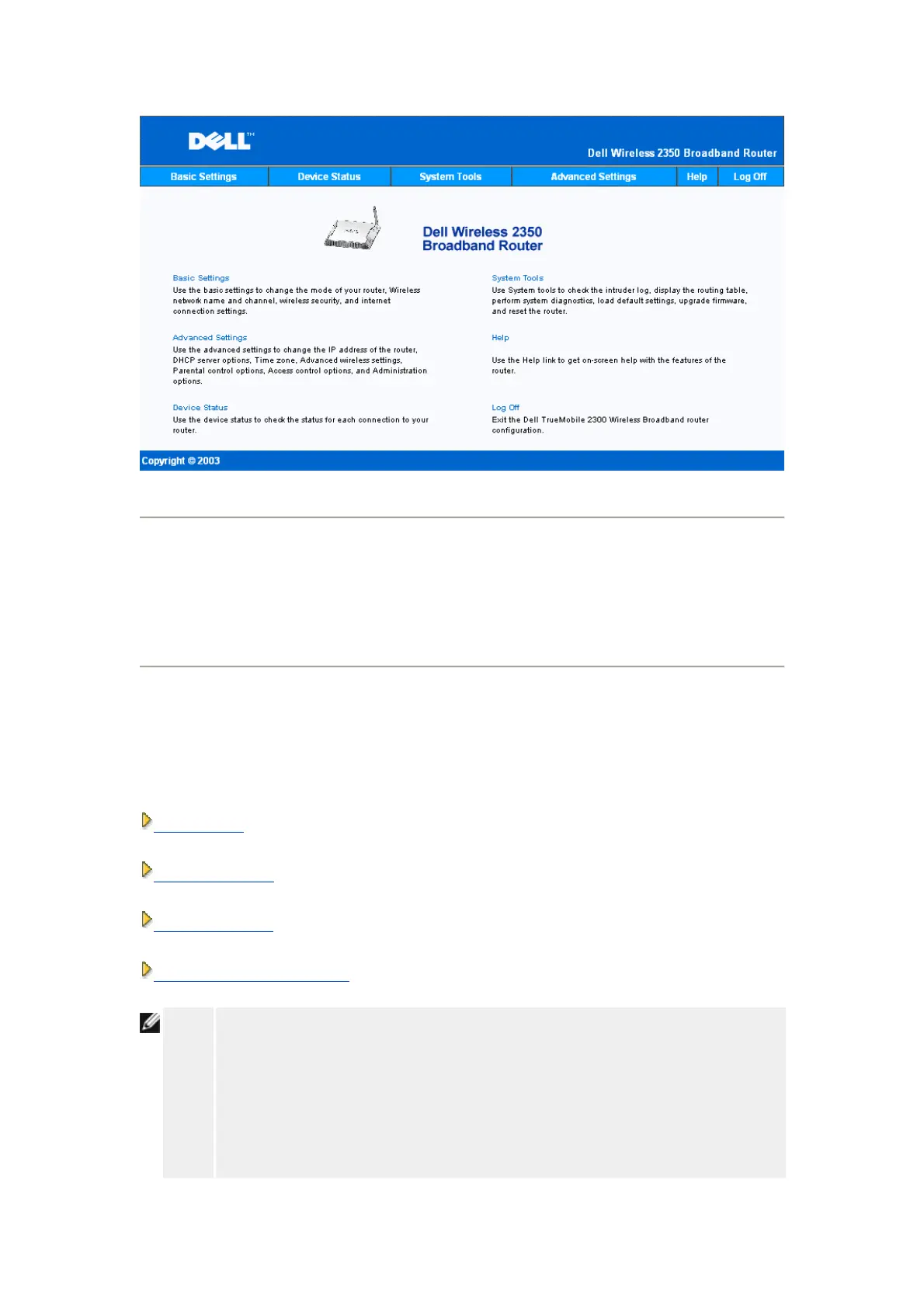
Log Off
The web-based configuration tool only allows access to one user at a time.
Basic Settings:
The following configuration options are included in Basic Settings:
Router Mode
Wireless Settings
Wireless Security
Internet Connection Settings
NOTE:
To implement the changes you make to the settings, you must save your settings
and restart the router. Otherwise, the router uses the previous settings. If you are
using the BACK/NEXT links to step through each screen in the Basic Settings
portion of the web-configuration tool, you ultimately reach the Save & Apply page.
Click Save & Restart button to commit the changes, and the router will reboot
automatically with the new settings in effect.










 To Next Page