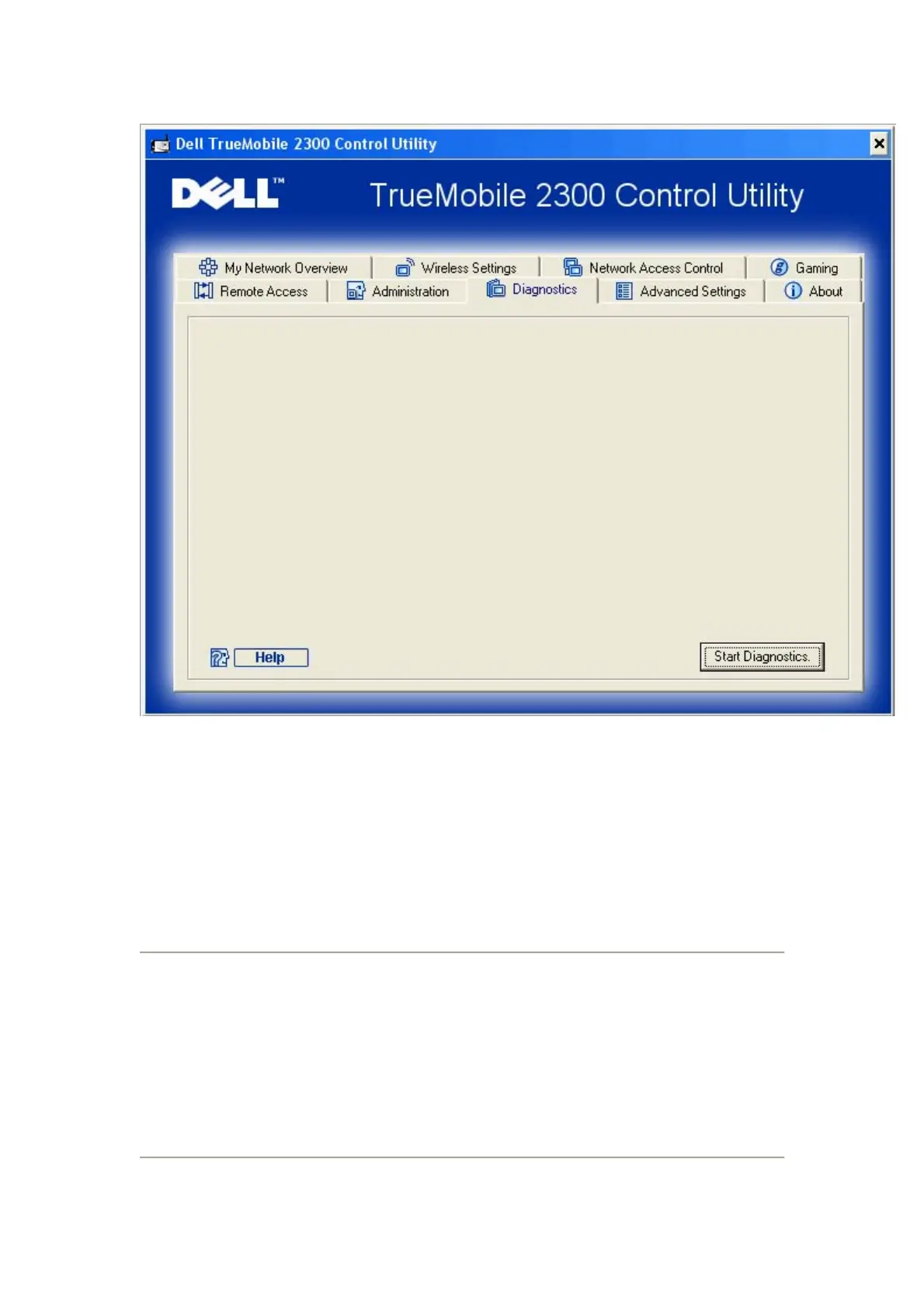
You can monitor the current status of your network connection in the Diagnostics menu. The
network detection can be activated by clicking the Start Diagnostics button on the bottom of
the screen.
When the detection is done, the screen will display a summary of your Internet connectivity.
Advanced Settings
To configure the advanced settings of the router, click the Login button to log in to the
web-based configuration tool. The web-based configuration tool allows you to set up advanced
network configurations for your Dell Wireless 2350 Broadband Router.










 To Next Page