5.
Paper jam not visible
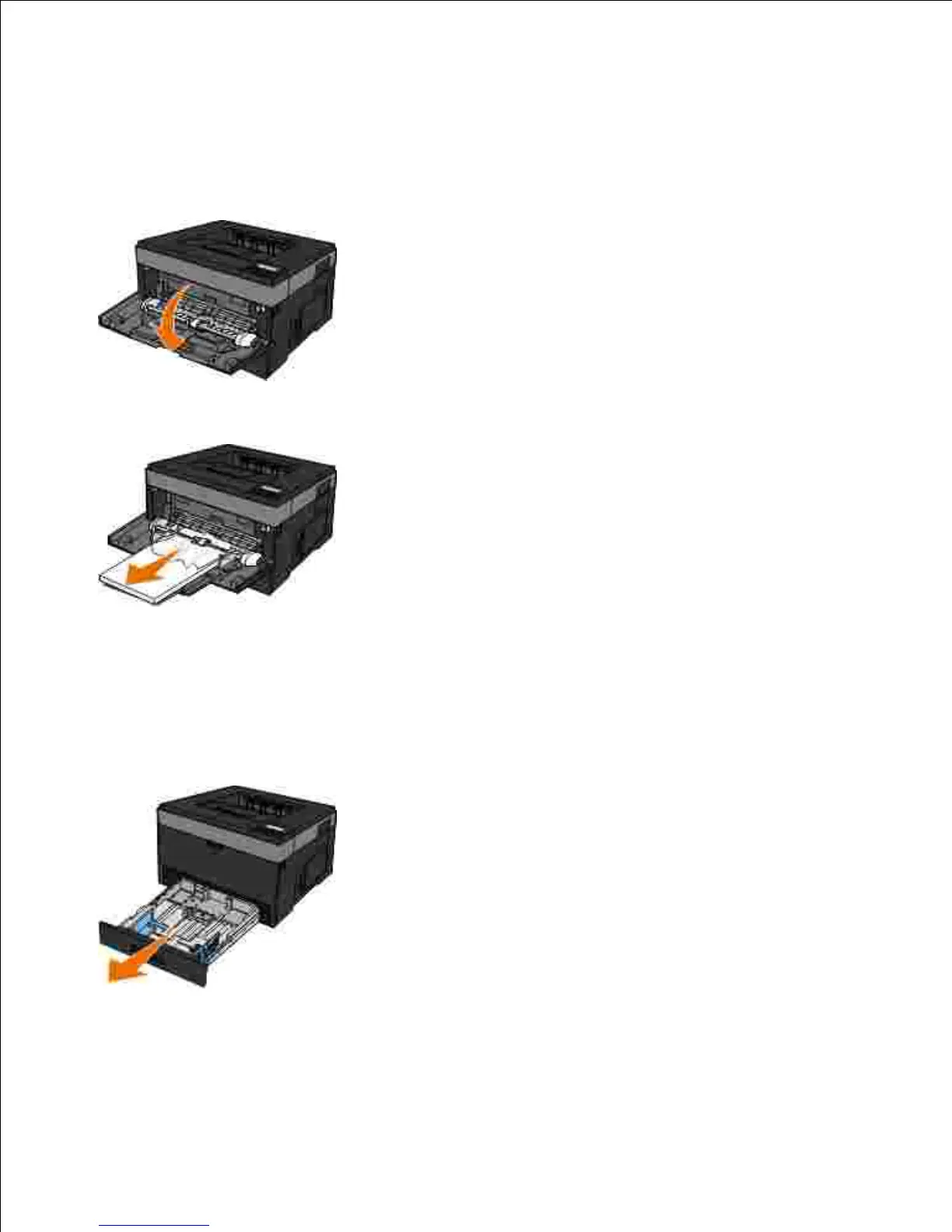
Near the multipurpose feeder
Open the multipurpose feeder door.1.
Firmly grasp the paper, and gently pull it from the printer.2.
Close the multipurpose feeder door.3.
Near the paper input tray
Remove the paper input tray.1.
Firmly grasp the paper, and gently pull it from the printer.2.












 To Next Page