Installing Optional Hardware
Installing the 550-Sheet Optional Drawer
Installing an Optional Memory Card
Installing the 550-Sheet Optional Drawer
An optional drawer attaches under the printer. A drawer consists of two parts: a tray and a support unit.
Your printer supports one optional drawer that holds up to 550 sheets of paper.
CAUTION: If you are installing a drawer after setting up the printer, turn off the printer, and
unplug the power cable before continuing.
Turn the printer off.1.
Unpack the drawer, and remove any packing material.2.
Place the drawer in the location you have chosen for your printer.
NOTE: If you have optional memory to install, leave clearance on the right side of the printer.
3.
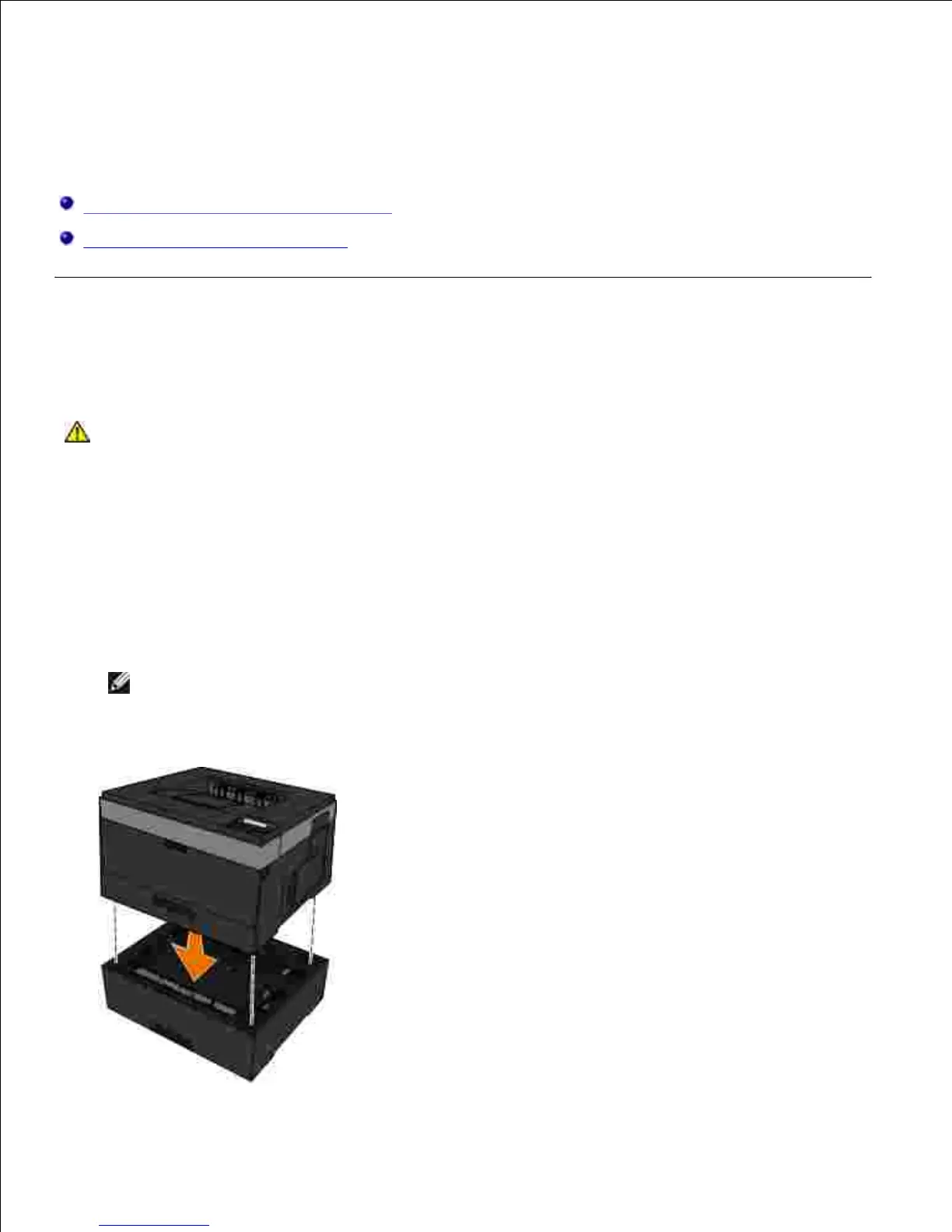
Align the holes in the printer with the positioning posts on the drawer, and lower the printer into place.4.
5.












 To Next Page