1.
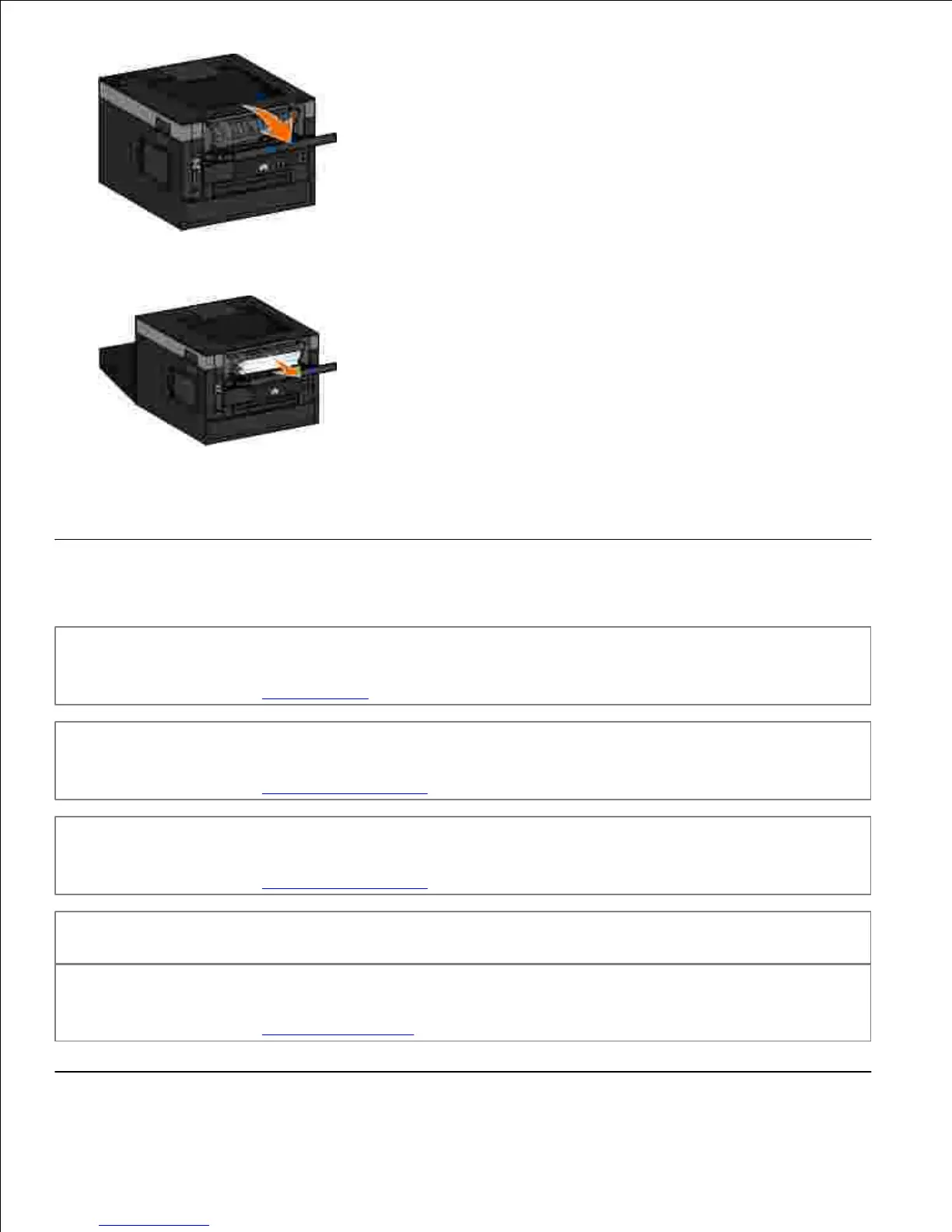
Firmly grasp the paper, and gently pull it from the printer.2.
Close the rear exit door.3.
Paper Problems
Make sure you loaded the paper correctly.
For more information, see Loading Paper.
Use only paper recommended for your printer.
For more information, see Print Media Guidelines.
Load a smaller amount of paper when printing multiple pages.
For more information, see Print Media Guidelines.
Make sure the paper is not wrinkled, torn, or damaged.
Check for a paper jam.
For more information, see Clearing Paper Jams.












 To Next Page