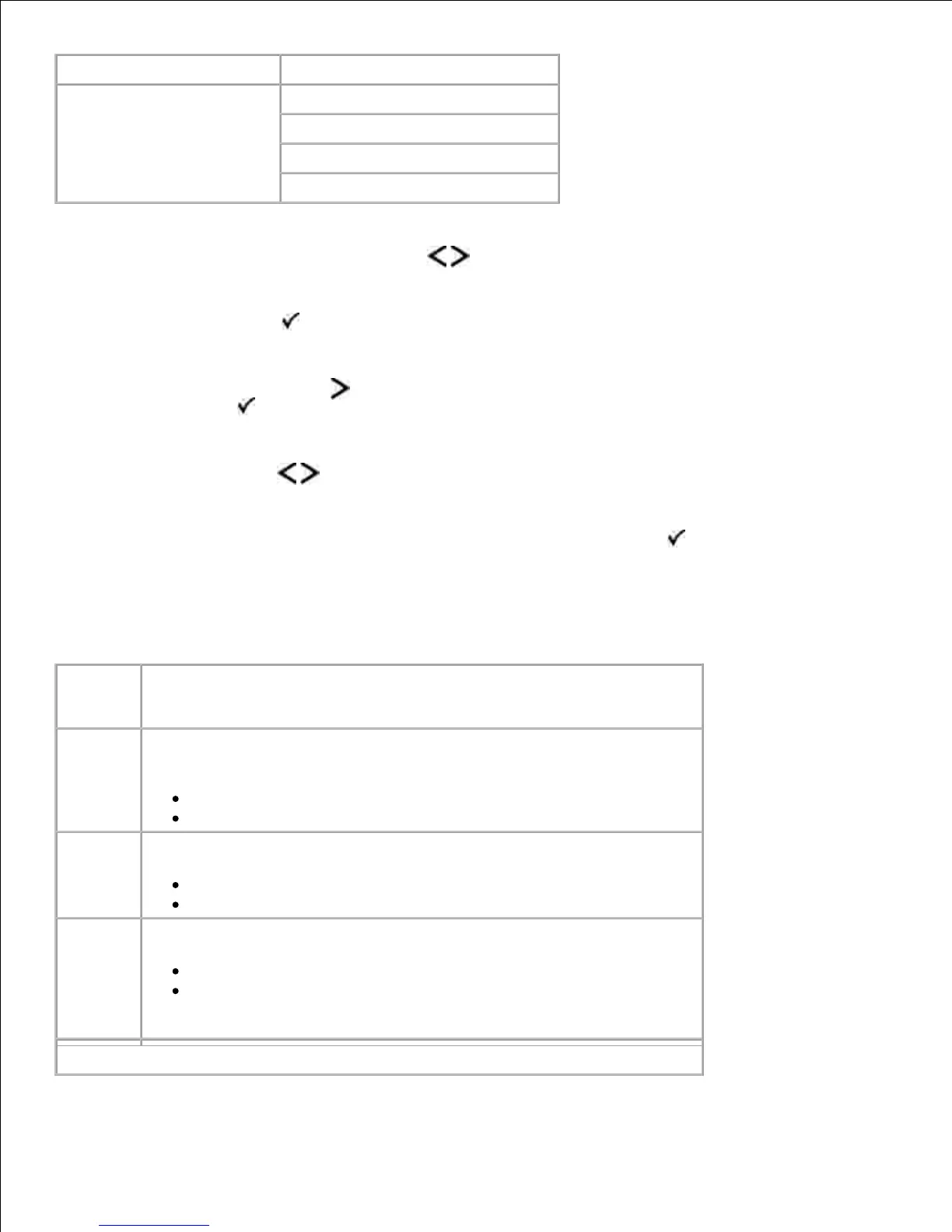
From the menu list, use the Arrow buttons to scroll to the Setup menu.1.
Press the Select button .2.
Press the Right Arrow button until the heading you want appears on the display, and then press
the Select button .
3.
Use the Arrow buttons to scroll through the available menu items.4.
When the setting you want appears on the display, press the Select button to save the setting.5.
Use the Setup menu to configure how the printer formats the end of a line depending on the computer
system being used.
Setup Mode Main Menu
Specify the storage location for downloaded resources.
RAM*
Flash
NOTE: Download Target appears only if flash option is installed.












 To Next Page