EasyManua.ls Logo

Dell 2350D - Page 16

Dell 2350D
181 pages
Print Icon
To Next Page IconTo Next Page
To Previous Page IconTo Previous Page
Loading...
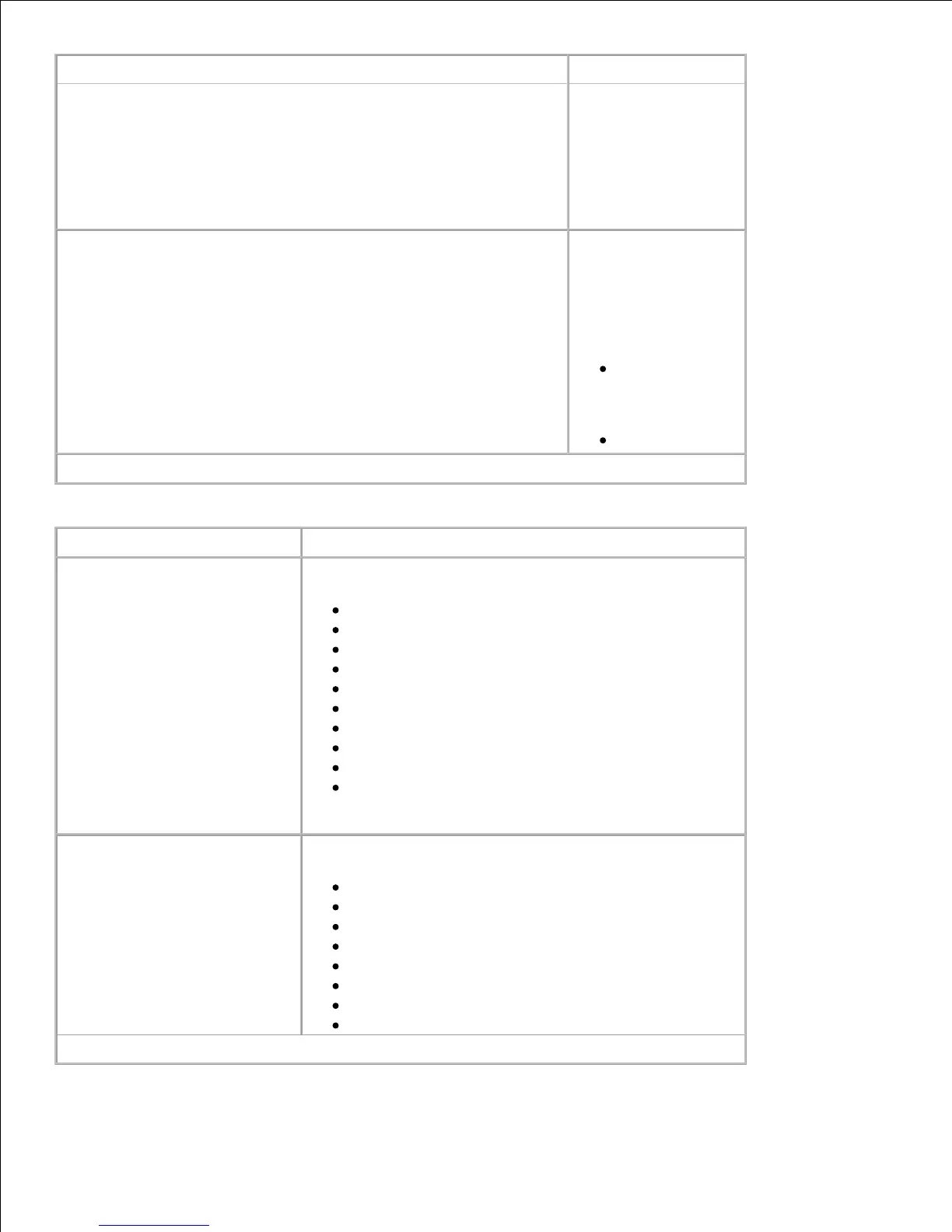
From this menu:
You can:
the
multipurpose
feeder.
NOTE: The Cassette
setting configures the
multipurpose feeder
as an automatic
paper source.
Custom Types Specify the type of
print media
associated with each
Custom Type
available in the Paper
Type menu.
Custom
Type <x>
(where x
represents 1–6)
Recycled
*Factory default setting
Size/Type
From this menu: You can:
Tray <x> Size Identify the default size for each source.
A4* (non-US)
A5
A6
JIS B5
Letter* (US)
Legal
Executive
Folio
Statement
Universal
NOTE: For more information, see Universal Setup .
Tray <x> Type Identify the type of print media loaded in each source.
Plain* Paper
Transparency
Labels
Bond
Letterhead
Preprinted
Colored Paper
Light Paper
Heavy Paper
Rough/Cotton
the
multipurpose
feeder.
NOTE: The Cassette
setting configures the
multipurpose feeder
as an automatic
paper source.
Custom Types
Specify the type of
print media
associated with each
Custom Type
available in the Paper
Type menu.
Custom
Type <x>
(where x
represents 1–6)
Recycled
*Factory default setting
Size/Type
From this menu:
You can:
Tray <x> Size
Identify the default size for each source.
A4* (non-US)
A5
A6
JIS B5
Letter* (US)
Legal
Executive
Folio
Statement
Universal
NOTE: For more information, see Universal Setup .
Tray <x> Type
Identify the type of print media loaded in each source.
Plain* Paper
Transparency
Labels
Bond
Letterhead
Preprinted
Colored Paper
Light Paper
*Factory default setting

Table of Contents

Other manuals for Dell 2350D

Related product manuals