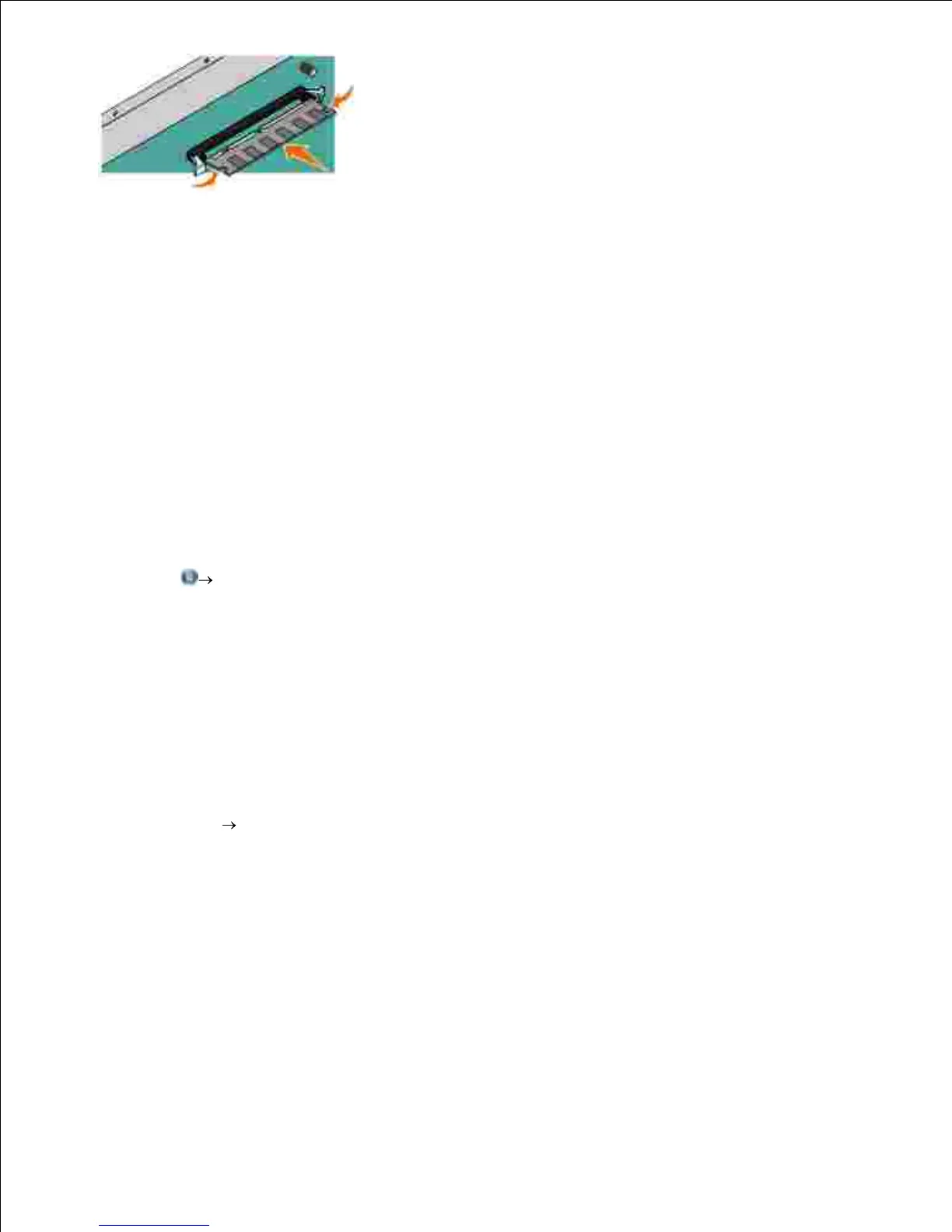
5.
Push the memory card firmly into the connector until the latches on both ends of the connector snap
into place.
It may require some force to fully seat the card.
6.
Ensure that each latch fits over the notch on each end of the card.7.
Close the side cover.8.
Turn the printer back on.9.
In Windows Vista
®
or later:
Click Control Panel.a.
Click Hardware and Sound.b.
Click Printers.c.
In Windows
®
XP and 2000:
Click Start Control Panel.a.
Double-click Printers and Other Hardware.b.
Double-click Printers and Faxes.c.
10.
Right-click your Dell Laser Printer model icon.11.
12.












 To Next Page