10 Finding Information
www.dell.com | support.dell.com
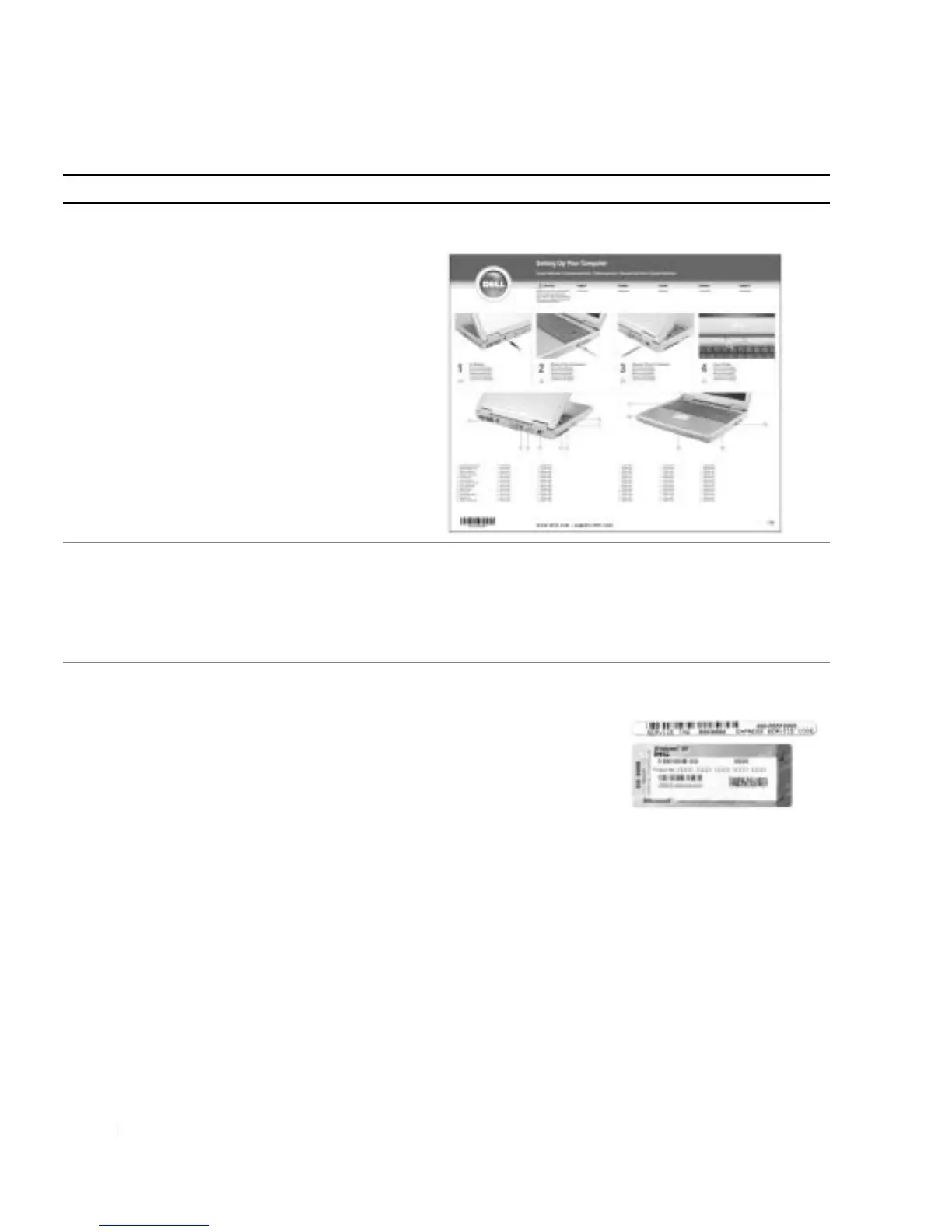
• How to set up my computer
Setup Diagram
• Tips on using Microsoft
®
Windows
®
• How to play CDs and DVDs
• How to use standby mode and hibernate mode
• How to change my display resolution
• How to clean my computer
The Dell Inspiron Help File
1
Click the
Start
button and click
Help and Support
.
2
Click
User and system guides
and click
User’s guides
.
3
Click
Dell Inspiron Help
.
• Service Tag and Express Service Code
• Microsoft Windows License Label
Service Tag and Microsoft Windows License
These labels are located on the bottom of your computer.
• Use the Service Tag to
identify your
computer when you
use
support.dell.com
or contact technical
support.
• Enter the Express Service Code to direct your call when
contacting technical support. The Express Service Code
is not available in all countries.
What Are You Looking For? Find It Here









 To Next Page