A Tour of Your Computer 17
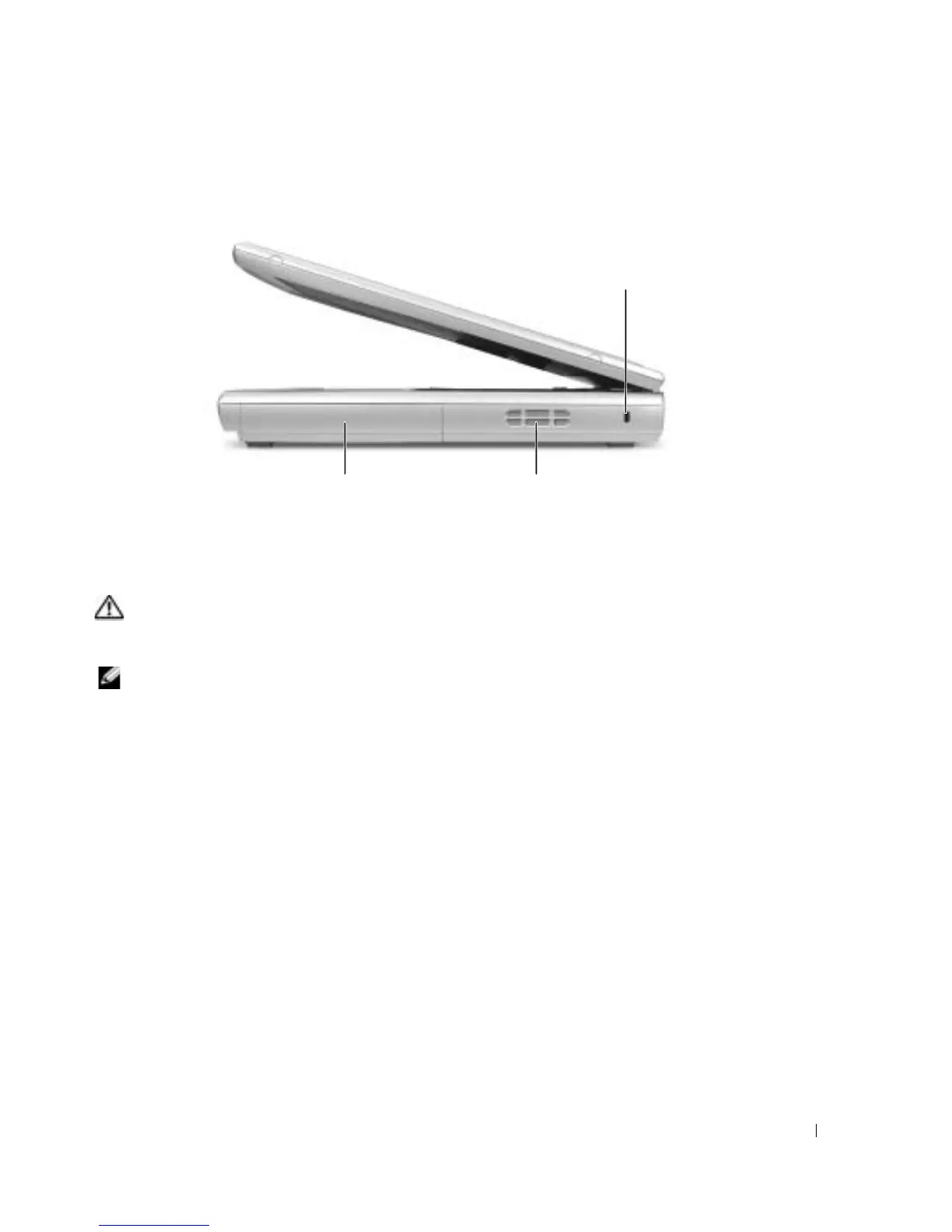
Right Side View
BATTERY/BATTERY BAY — When a battery is installed, you can use the computer without connecting
the computer to an electrical outlet. See page 27.
A
IR VENTS — The computer uses an internal fan to create airflow through the vents, which prevents the
computer from overheating.
CAUTION: Do not block, push objects into, or allow dust to accumulate in the air vents. Do not store
your computer in a low-airflow environment, such as a closed briefcase, while it is running. Restricting
the airflow can damage the computer or cause a fire.
NOTE: The fan runs constantly, and fan speed may vary depending on usage. Fan noise is normal and
does not indicate a problem with the fan or the computer.
battery/battery bay
air vents
security cable slot











 To Next Page