Advanced Options
Dell 7330 Mono Laser Printer
4-59
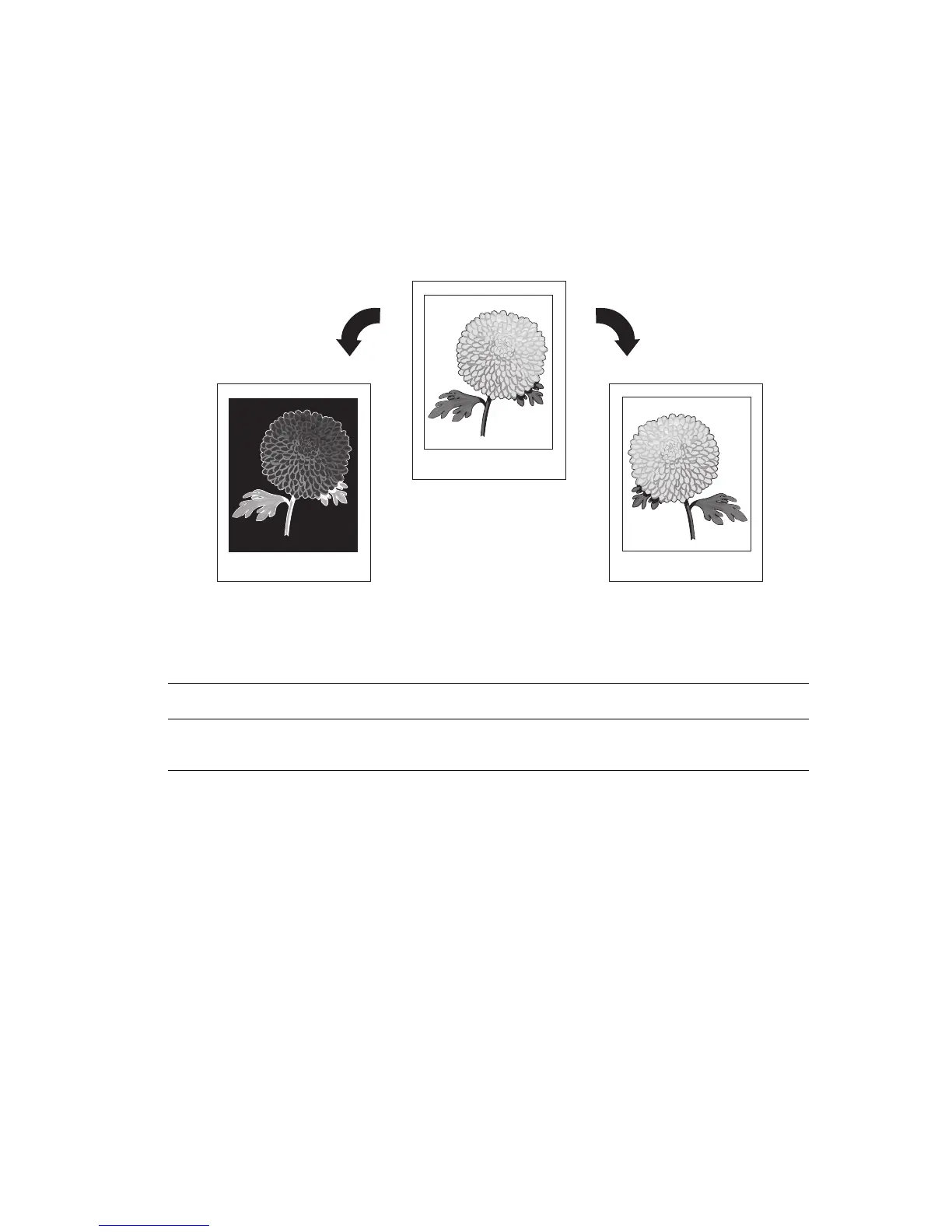
Printing Negative and Mirror Images
You can print pages as a negative image (reverses the light and dark areas in your printed
image) or mirror image (flips images horizontally on pages when printed).
Note: The Negative Output and Mirrored Output options are only available in the
PostScript driver.
To select negative or mirror images in a supported driver:
Operating System Steps
Windows 2000 or later
PostScript Driver
1. Select the Advanced tab.
2. Select Yes for Mirrored Output or Negative Output.














 To Next Page