Print-Quality Problems
Dell 7330 Mono Laser Printer
6-67
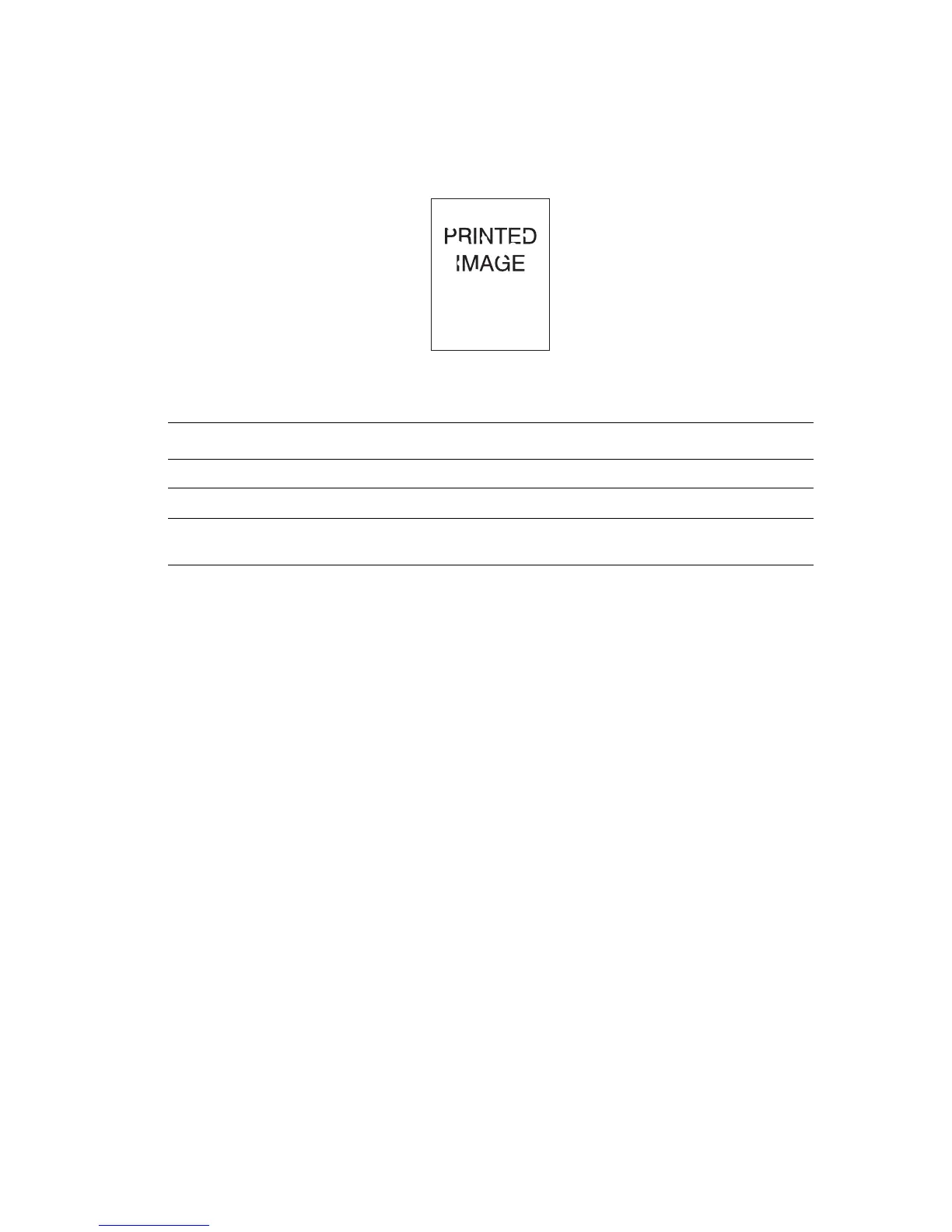
Random or Spot Deletions
Areas of the print are extremely light or missing.
Possible Causes Solutions
The paper may be in poor condition. Replace the paper.
The paper may be damp. Replace the paper.
The drum cartridge may be defective or at the
end of its life.
Replace the drum cartridge.















 To Next Page