Print-Quality Problems
Dell 7330 Mono Laser Printer
6-66
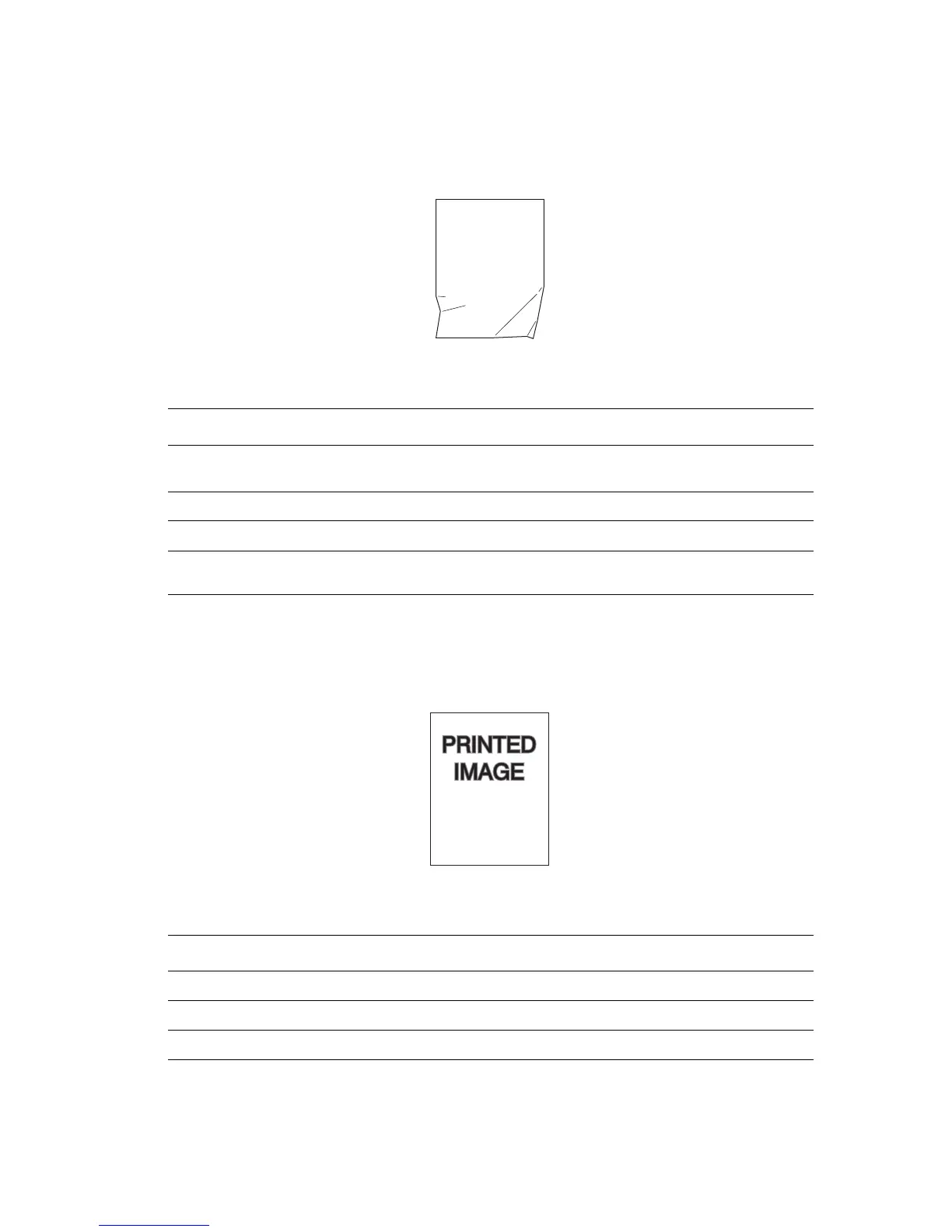
Wrinkled Prints
The pages are wrinkled, creased, or torn.
Blurred Prints
The image is blurred at the edges.
Possible Causes Solutions
The paper is not loaded correctly in the
appropriate tray.
Verify that the paper is correctly loaded in the
appropriate tray.
The paper may be in poor condition. Replace the paper.
The paper may be damp. Replace the paper.
The fuser may be at the end of its life. Replace the fuser.
Possible Causes Solutions
The paper may be in poor condition. Replace the paper.
The paper may be damp. Replace the paper.
The drum cartridge may be defective. Replace the drum cartridge.














 To Next Page