Clearing Paper Jams
Dell 7330 Mono Laser Printer
6-24
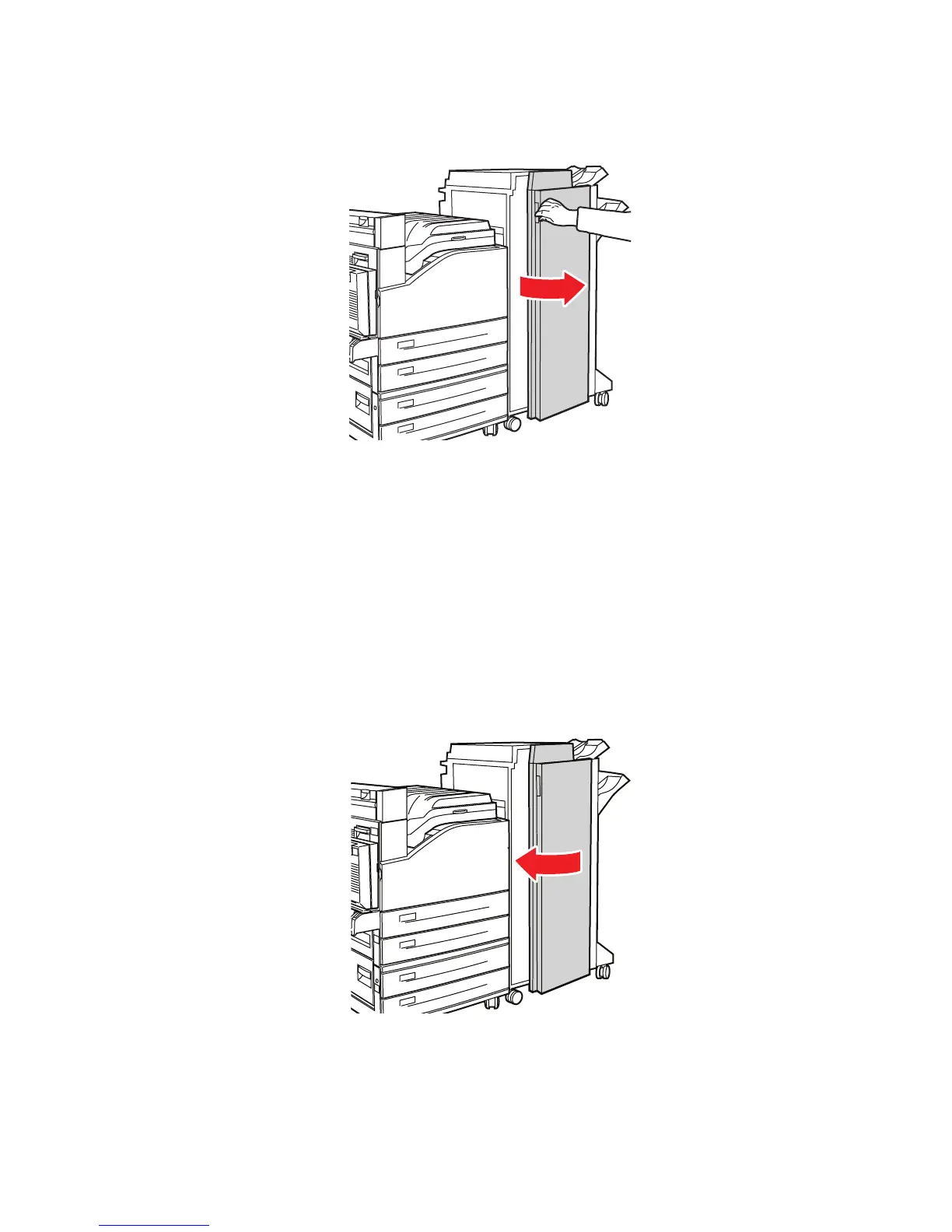
2. Open Door G.
3. Depending on the instructions shown on the control panel, open handle 2a, handle 2b, or
handle 3 as shown on the instruction labels.
Note: If the stapler is in the way, slide the stapler toward you then to the right.
4. If you opened handle 2a or handle 2b, rotate knob 2c counterclockwise as needed.
5. Pull the jammed paper out of the printer. Confirm that all paper fragments are removed.
6. Close the handles opened in Step 3.
7. Close Door G.
7330-186
7330-018
E
A
B
C
D















 To Next Page