Clearing Paper Jams
Dell 7330 Mono Laser Printer
6-34
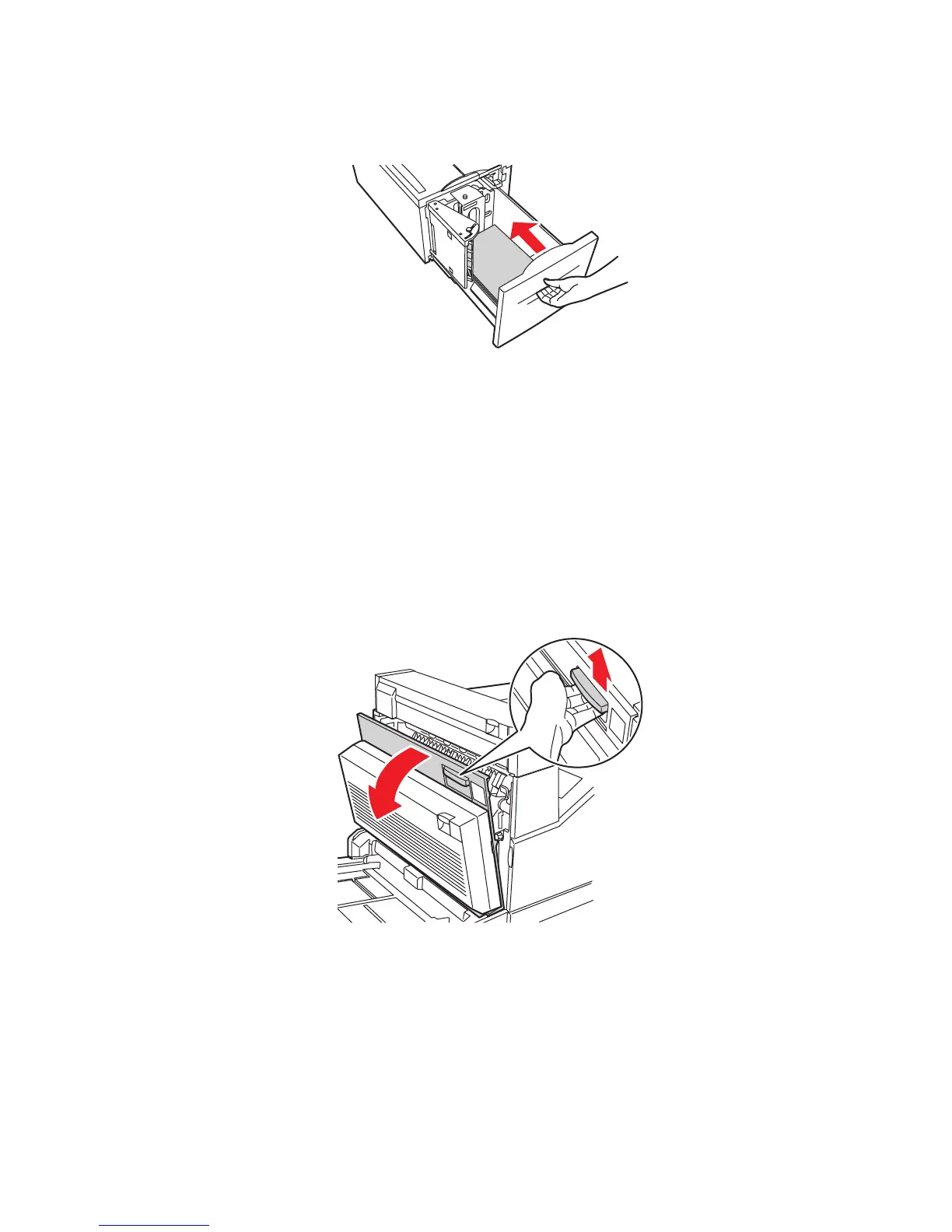
3. Push the tray completely into the printer.
4. Specify the size of the paper by doing the following:
a. In the control panel menus, select
Printer Setup, and then press the OK button.
b. Select
Paper Handling Setup, and then press the OK button.
c. Select
Tray 6 Setup, and then press the OK button.
d. Select
Auto Sensed or a listed paper size, and then press the OK button.
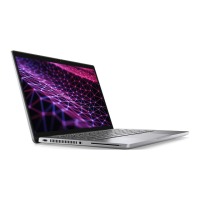
5. Open Door A.
Warning: Use caution; some components inside Door A may be hot.
7330-115
7330-001
D
A
E














 To Next Page