Loading Paper
Dell 7330 Mono Laser Printer
4-15
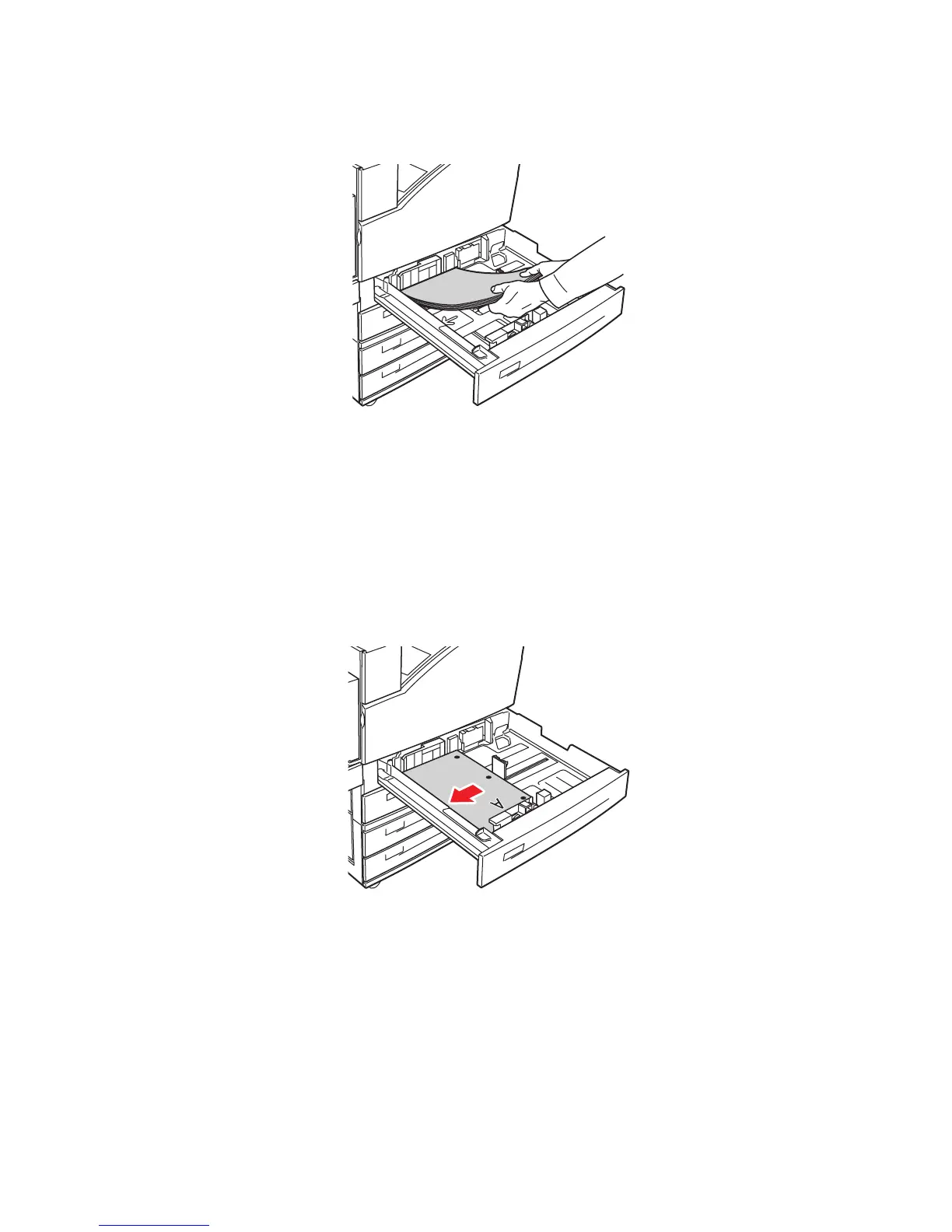
3. Insert paper into the tray either long-edge feed or short-edge feed.
Long-Edge Feed
■ Place Letter, Executive, A4, B5 JIS, and custom sizes of paper long-edge feed into the
tray.
■ Place the side to be printed faceup.
■ Place pre-punched paper with the holes toward the right side of the tray.
■ Place letterhead (or the top of the page) toward the front of the tray.
7330-129
7330-130














 To Next Page