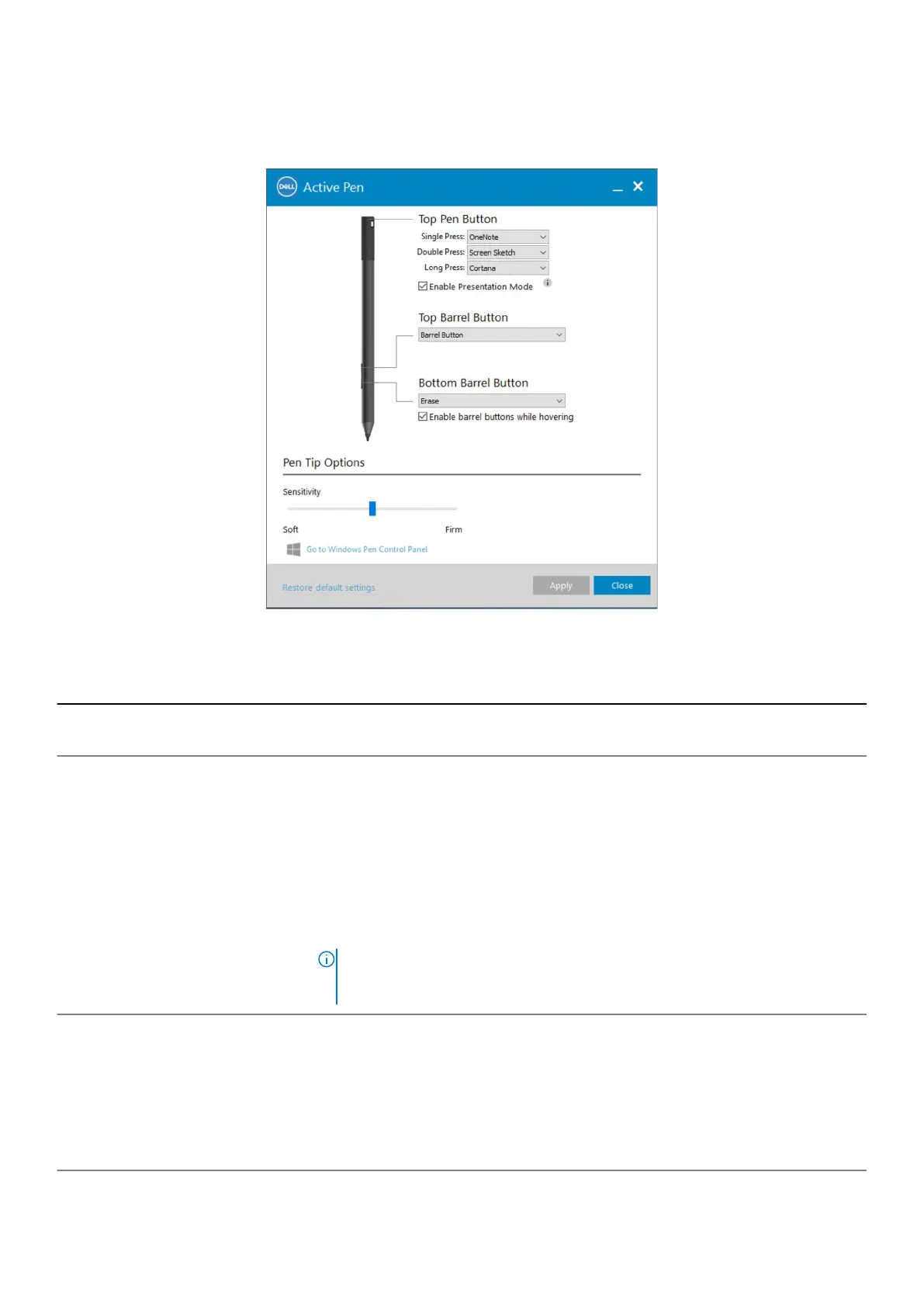
Using Active Pen Control Panel
Figure 6. Active Pen Control Panel
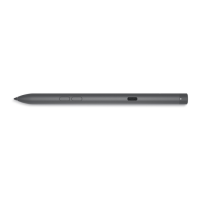
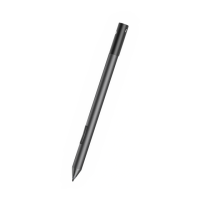
Table 4. Dell Active Pen features
Top Pen Button Select Enable Presentation Mode to use the button to navigate through a PowerPoint
presentation.
Top Barrel Button Enables you to select one of the following functions when you click the button:
• Context Menu(right-click) (enabled by default)
• Erase (press and hold to erase)
• Page up
• Page down
• Copy
• Paste
• Undo
• Redo
NOTE: Select Enable barrel buttons while hovering to enable the selected Top
Barrel Button function while hovering the tip over the screen without the tip
touching the screen.
Bottom Barrel Button Enables you to select one of the following functions when you click the button:
• Erase (press and hold to erase) (enabled by default)
• Context Menu (right-click)
• Page up
• Page down
• Copy
• Paste
Active Pen Control Panel 11




 To Next Page