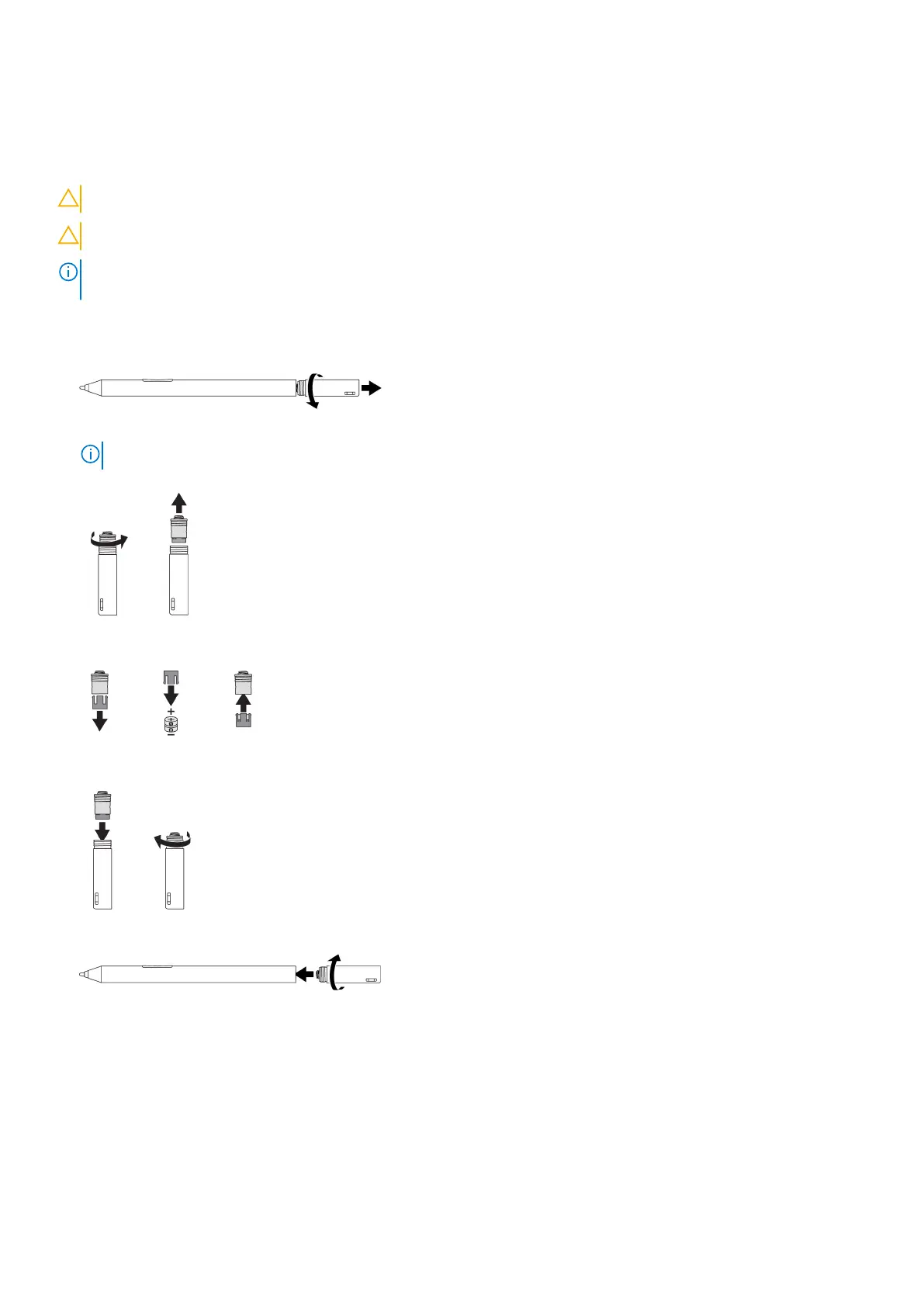
Installing the coin-cell batteries
About this task
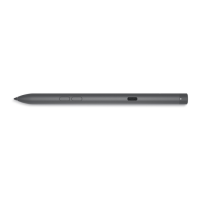
CAUTION: Incorrectly installing the coin-cell batteries may damage the pen.
CAUTION: If the incorrect battery type is installed into the pen, there is a risk that the batteries may explode.
NOTE: Pairing information is lost when you remove the coin-cell batteries. To pair the pen with your device, see Pairing
with a Bluetooth device.
Steps
1. Remove the top cover from the pen.
2. Remove the coin-cell battery holder from the top cover.
NOTE: For more information, see Removing the coin-cell battery holder.
3. Install the coin-cell batteries into the coin-cell battery holder.
4. Replace the coin-cell battery holder.
5. Replace the top cover.
Setting up your Dell Active Pen
7




 To Next Page