Replacing the base cover
WARNING: Before working inside your computer, read the safety information that shipped with your computer and
follow the steps in Before working inside your computer. After working inside your computer, follow the instructions
in
After working inside your computer. For more safety best practices, see the Regulatory Compliance home page at
www.dell.com/regulatory_compliance.
Procedure
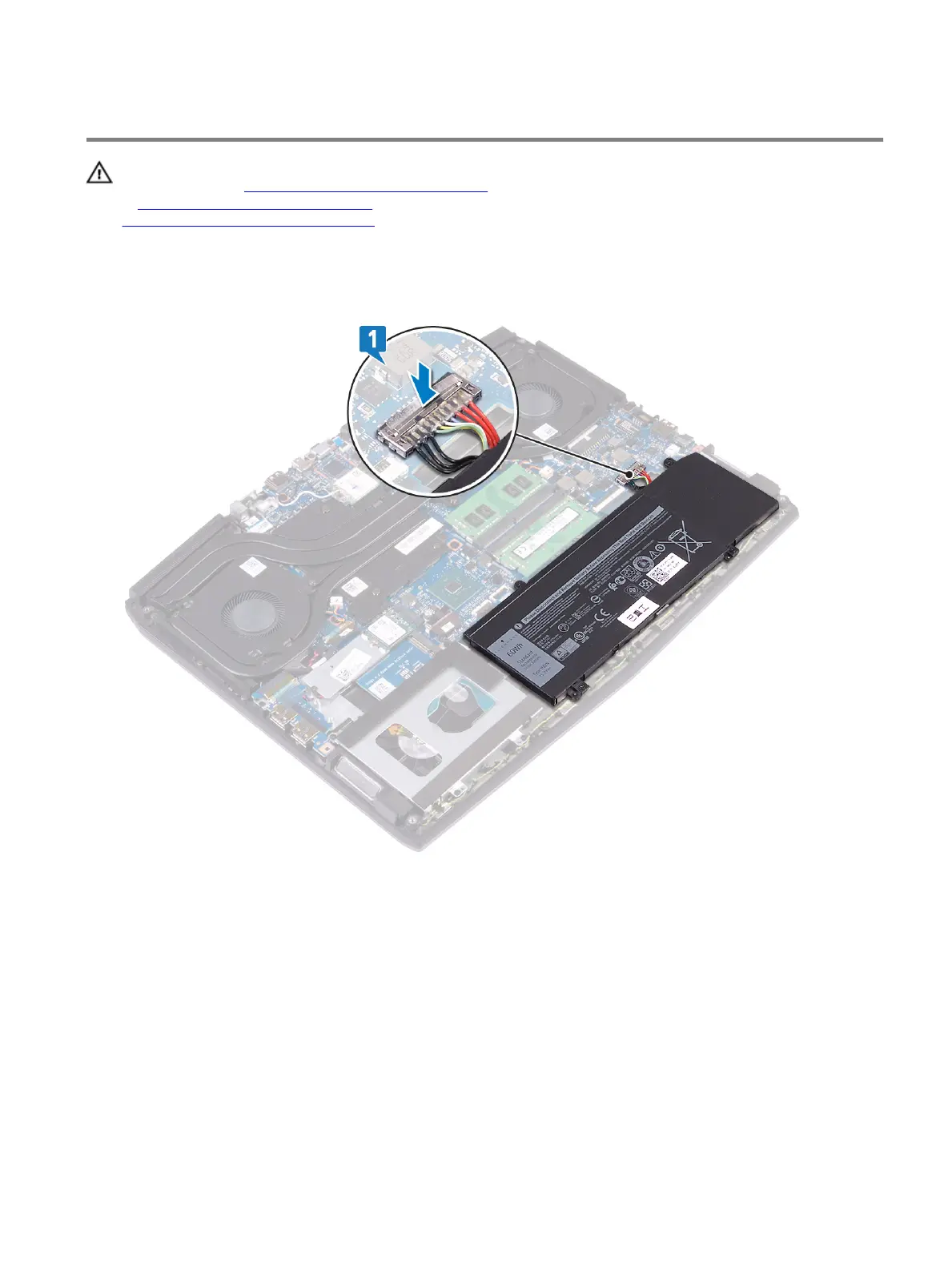
1 Connect the battery cable to the system board.
19













 To Next Page