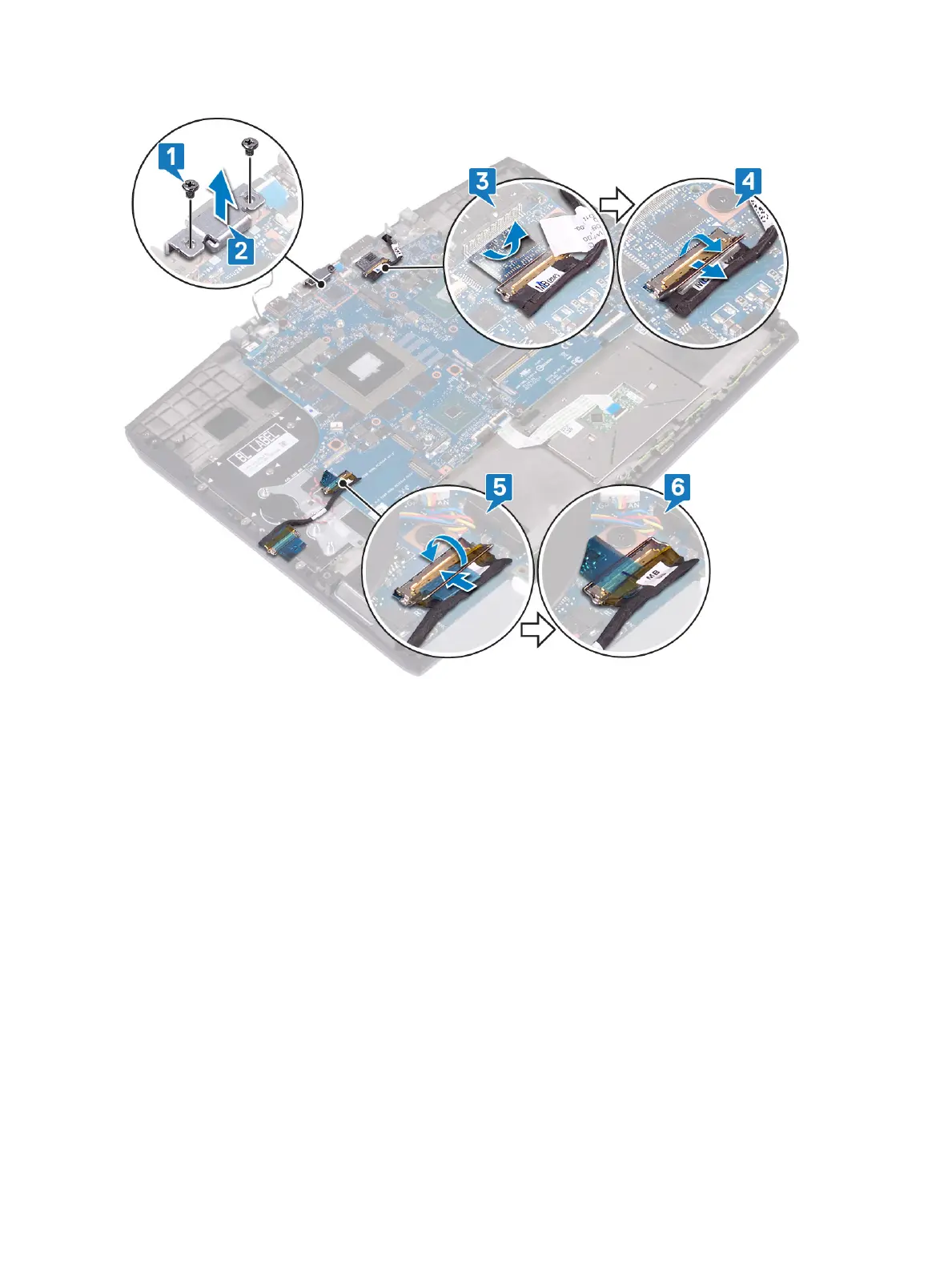
4 Open the latch and disconnect the display cable from the system board.
5 Disconnect the speaker cable from the system board.
6 Open the latch and disconnect the keyboard cable from the system board.
7 Open the latch and disconnect the touchpad cable from the system board.
8 Open the latch and disconnect the keyboard back-light cable from the system board.
9 Disconnect the coin-cell battery from the system board.
10 Disconnect the camera cable from the system board.
73













 To Next Page