122
4. Useful Management Tools
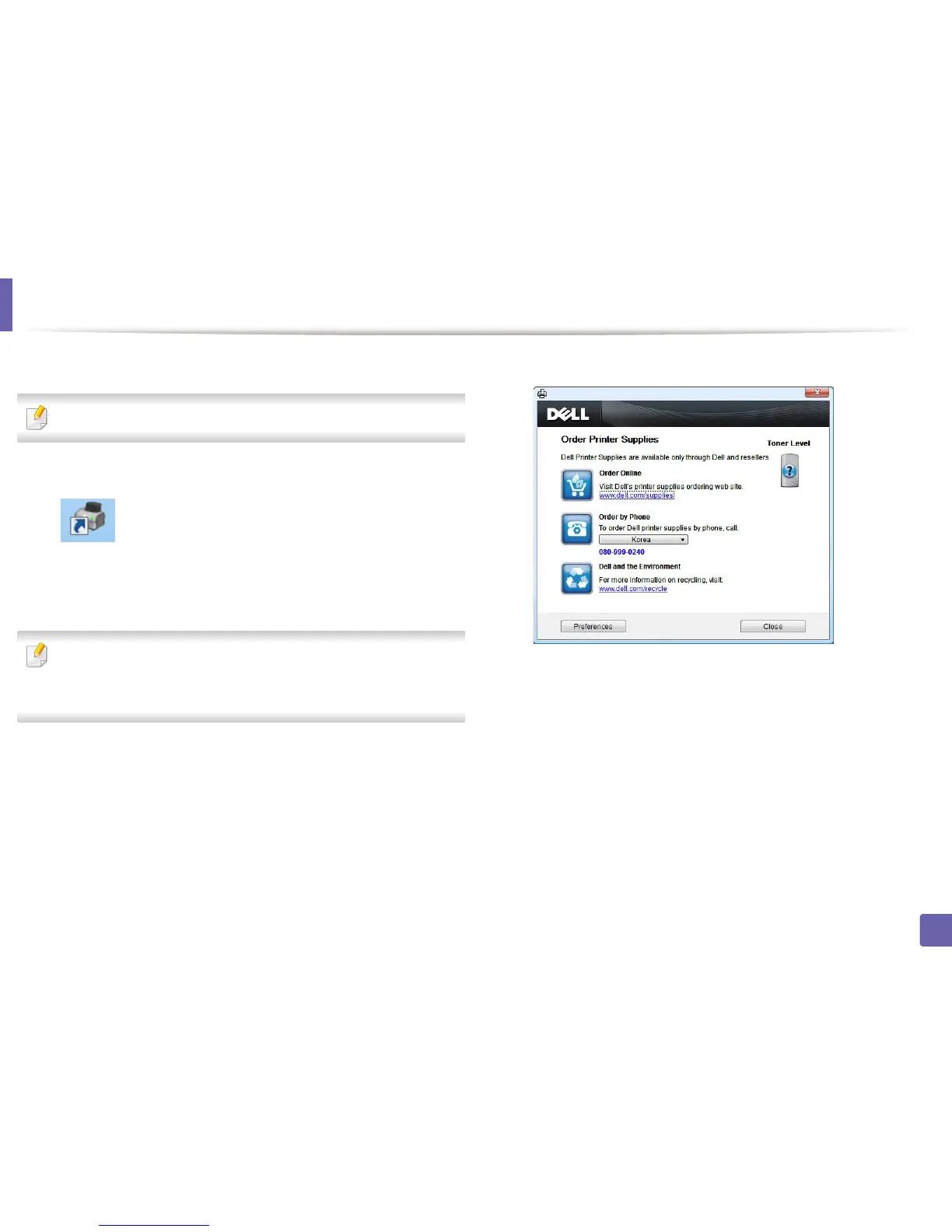
Using Dell Supplies Ordering Utility
To order replacement toner cartridges or supplies from Dell:
Availabe for Windows or Macintosh OS users only.
1
Double-click the Dell Supplies Ordering Utility icon on your desktop.
OR
From the Start menu, select Programs or All Programs > Dell > Dell
Printers > your printer driver name > Dell Supplies Ordering Utility.
For Macintosh,
Open the Applications folder > Dell folder > Dell Supplies Ordering
Utility.
2
The Dell Supplies Ordering Utility window opens.















 To Next Page