23
2. Learning the Basic Usage
Media and tray
This chapter provides information on how to load print media into your
machine.
• Using print media that does not meet these specifications may cause
problems or require repairs. Such repairs are not covered by Dell’s
warranty or service agreements.
• Make sure not to use the inkjet photo paper with this machine. It could
cause damage to the machine.
• Using inflammable print media can cause a fire.
• Use designated print media (see "Print media specifications" on page
58).
The use of inflammable media or foreign materials left in the printer may
lead to overheating of the unit and, in rare cases may cause a fire.
1
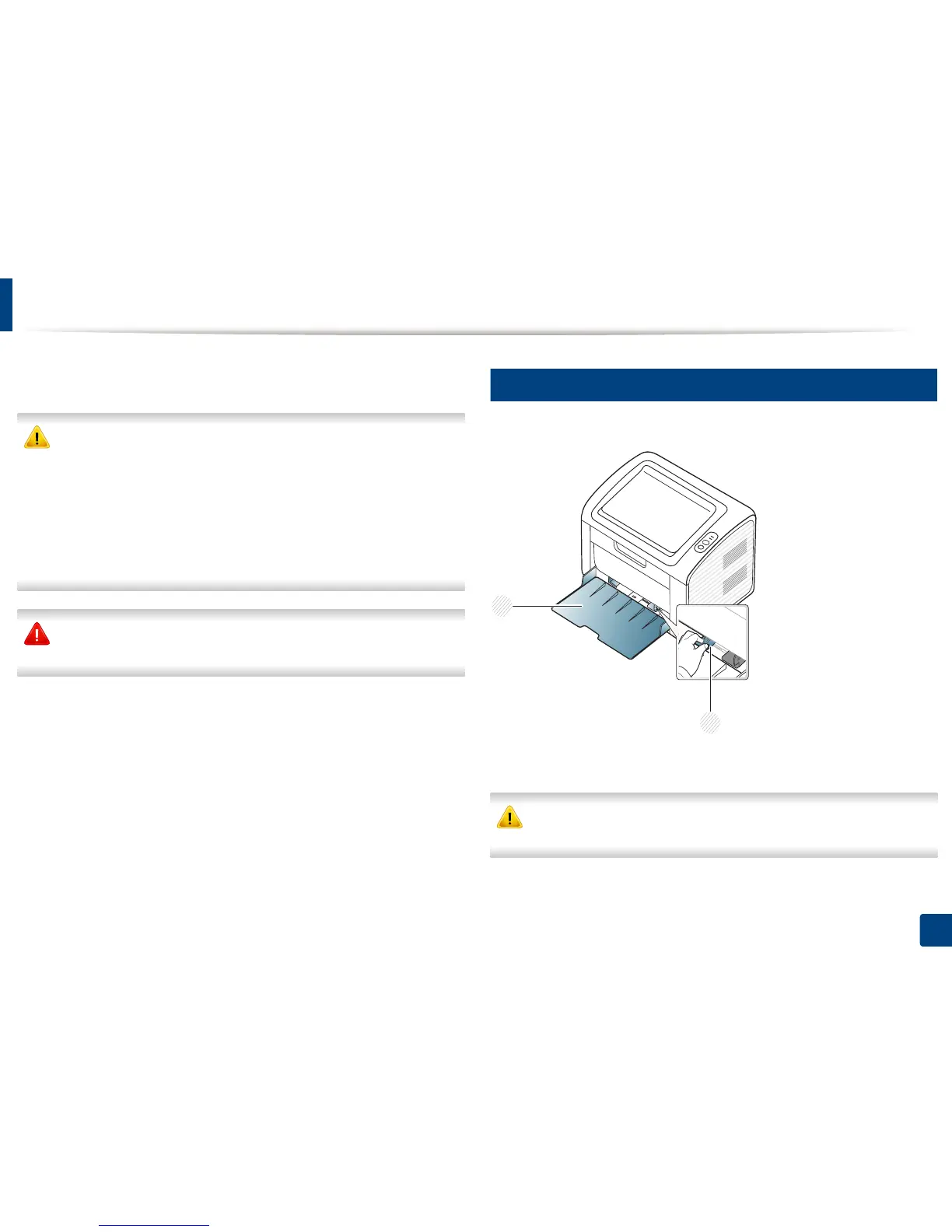
Tray overview
To change the size, you need to adjust the paper guide.
1 Paper width guide
2 Tray
If you do not adjust the guide, it may cause paper registration, image skew,
or jamming of the paper.
2
1















 To Next Page