Basic printing
33
2. Learning the Basic Usage
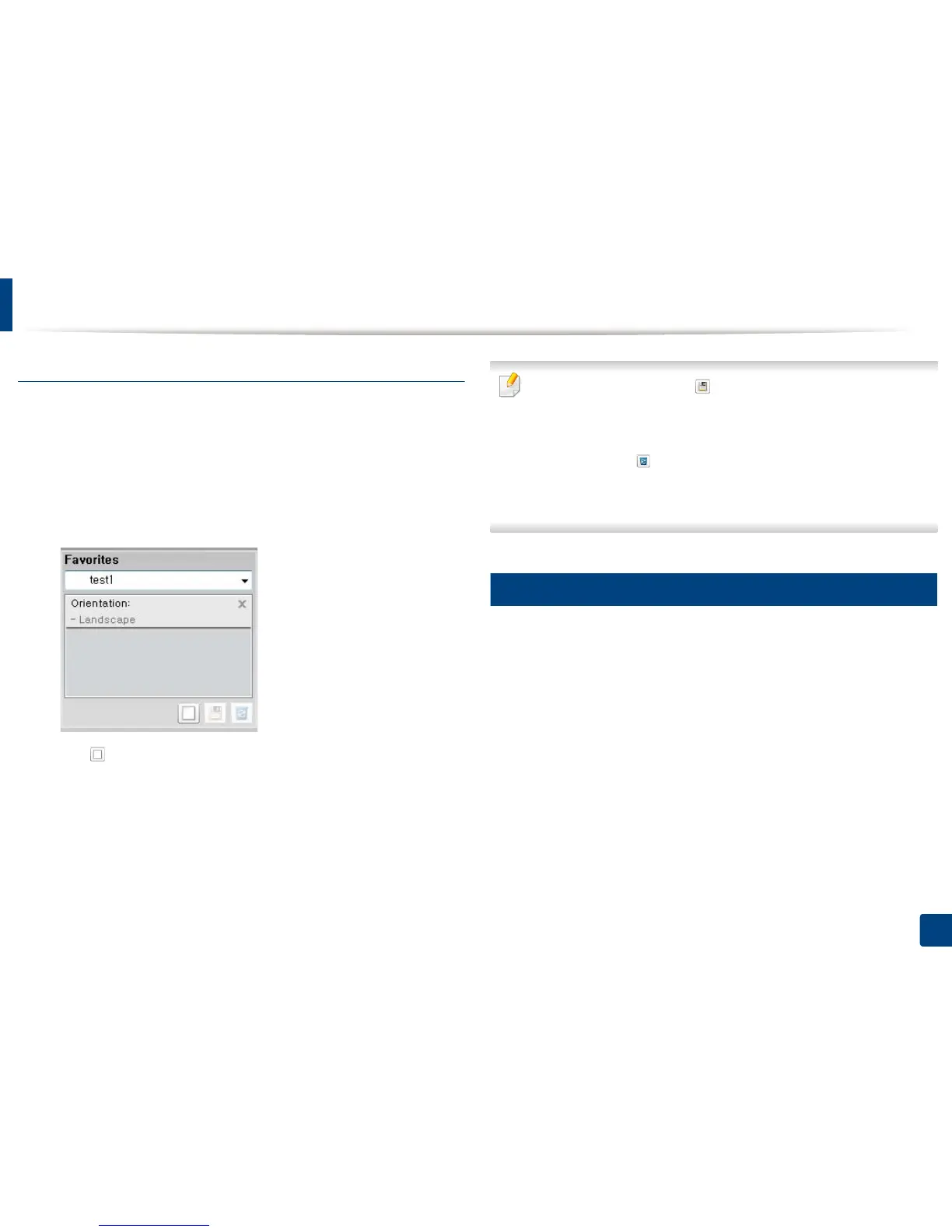
Using a favorites setting
The Favorites option, which is visible on each preferences tab except for the
Dell tab, allows you to save the current preferences for future use.
To save a Favorites item, follow these steps:
1
Change the settings as needed on each tab.
2
Enter a name for the item in the Favorites input box.
3
Click (Add). When you save Favorites, all current driver settings are
saved.
Select more options and click (Update), settings will be added to the
Presets you made. To use a saved setting, select it from the Favorites drop-
down list. The machine is now set to print according to the settings you
have selected. To delete saved settings, select it from the Favorites drop-
down list and click (Delete).
You can also restore the printer driver’s default settings by selecting
Default Favorite from the Favorites drop-down list.
9
Using help
Click the option you want to know on the Printing Preferences window and
press F1 on your keyboard.















 To Next Page