Key benefits
• You can print in various operating systems (see "System requirements" on
page 61).
• Your machine is equipped with a USB interface.
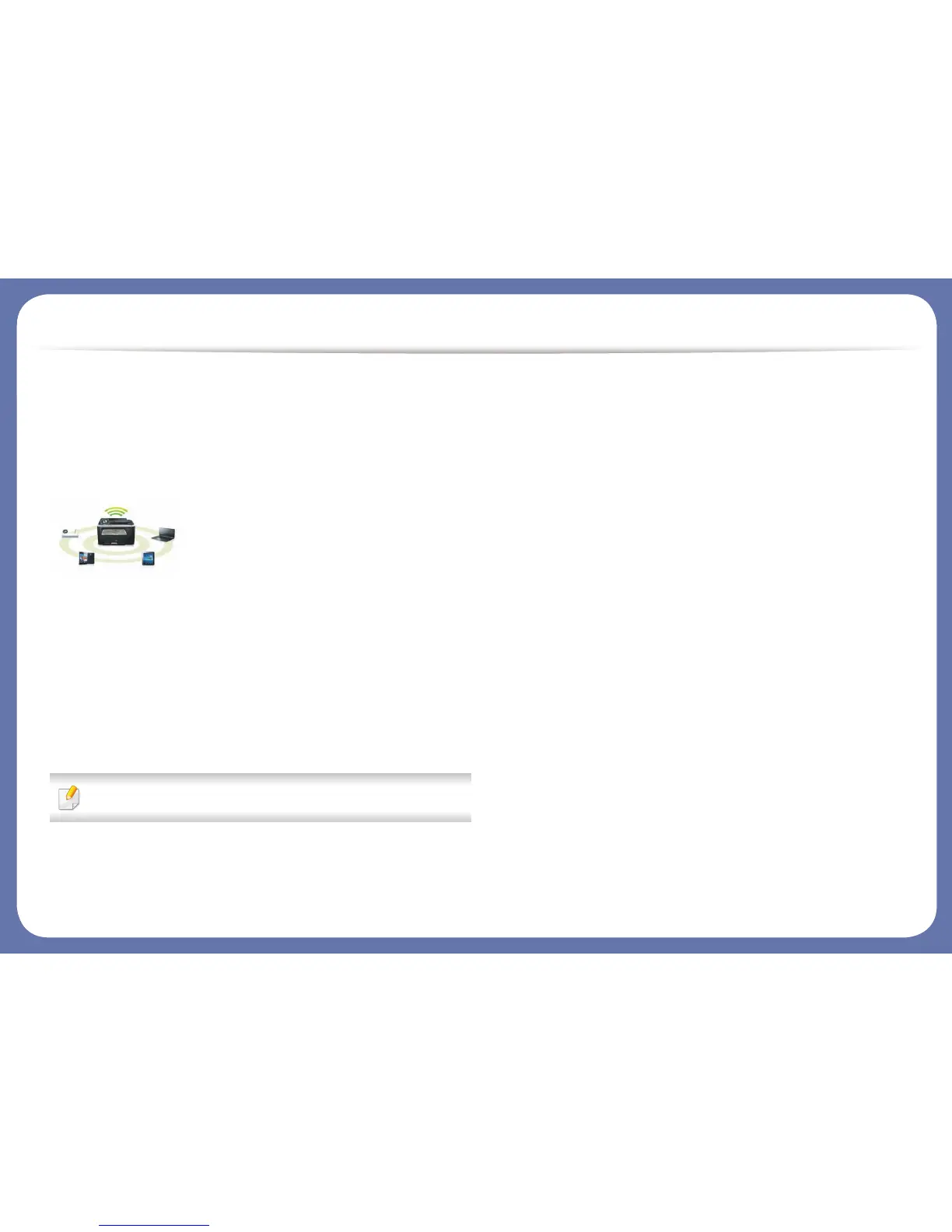
Supports various wireless network setting method
• Using the WPS (Wi-Fi Protected Setup™) button
- You can easily connect to a wireless network using the WPS button on
the machine and the access point (a wireless router).
•Using the USB cable
- You can connect and set various wireless network settings using a USB
cable.
• Using the Wi-Fi Direct
- You can conveniently print from your mobile device using the Wi-Fi or
Wi-Fi Direct feature.















 To Next Page