Wireless network setup
84
2. Using a Network-Connected Machine (B1160w only)
7
Introducing wireless set up methods
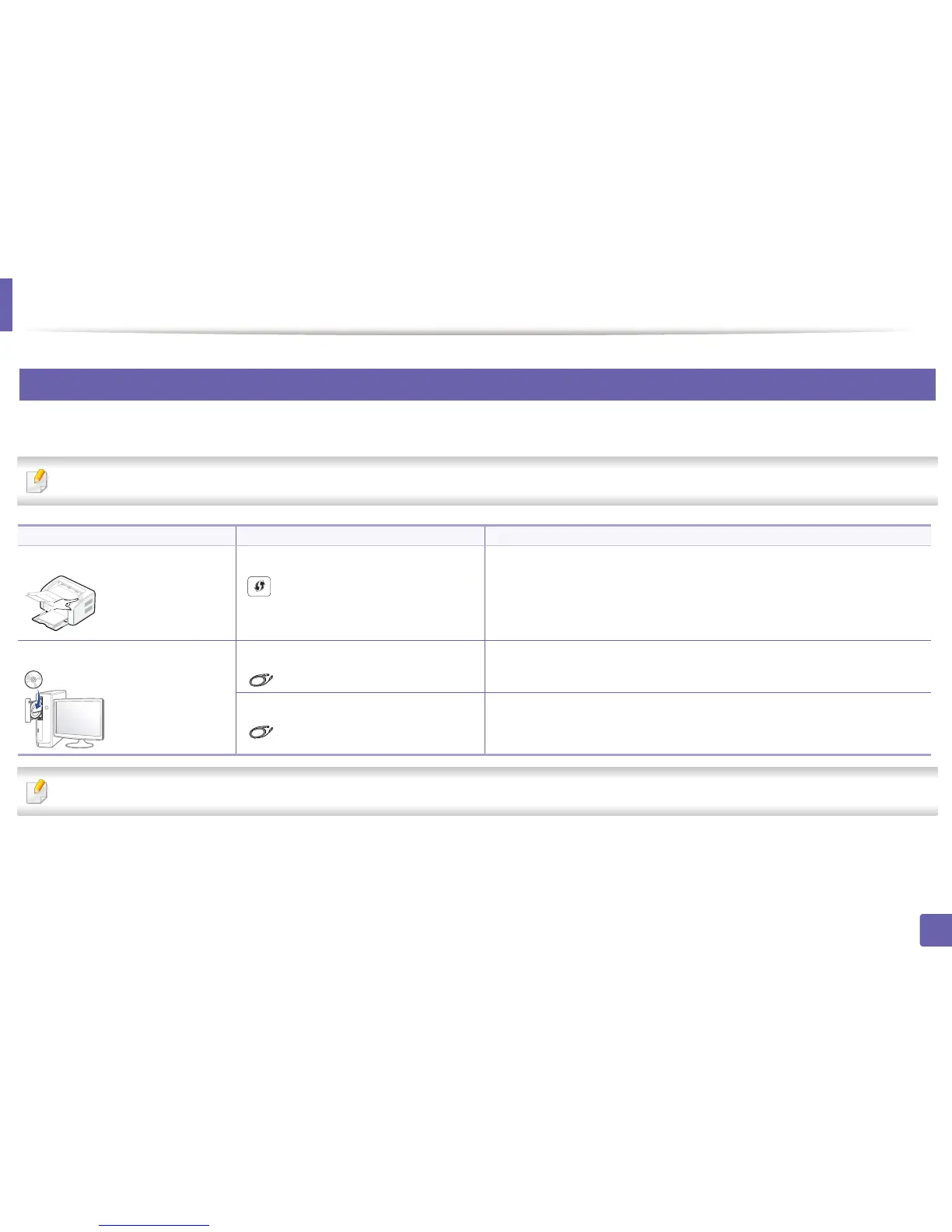
You can set wireless settings either from the machine or the computer. Choose the setting method from the below table.
Some wireless network installation types may not be available depending on the model or country.
If problems occur during wireless set up or driver installation, refer to the troubleshooting chapter (see "Troubleshooting for wireless network" on page 102).
Set up method Connecting method Description & Reference
From the machine’s control panel Using the WPS (recommended)
()
• See "Using the WPS button" on page 85.
From the computer Access point via USB cable (recommended)
()
• Windows user, see "Access point via USB cable in Windows" on page 87.
• Macintosh user, see "Access point via USB cable in Macintosh" on page 95.
Ad hoc via USB cable
()
• Windows user, see "Ad hoc via USB cable in Windows" on page 91.
• Macintosh user, see "Ad hoc via USB cable in Macintosh" on page 97.















 To Next Page