Wireless network setup
88
2. Using a Network-Connected Machine (B1160w only)
3
Insert the supplied software CD into your CD-ROM drive.
The software CD should automatically run and an installation window
will appear.
If the installation window does not appear, click Start > All programs >
Accessories > Run.
X:\Setup.exe replacing “X” with the letter, which represents your CD-
ROM drive and click OK.
4
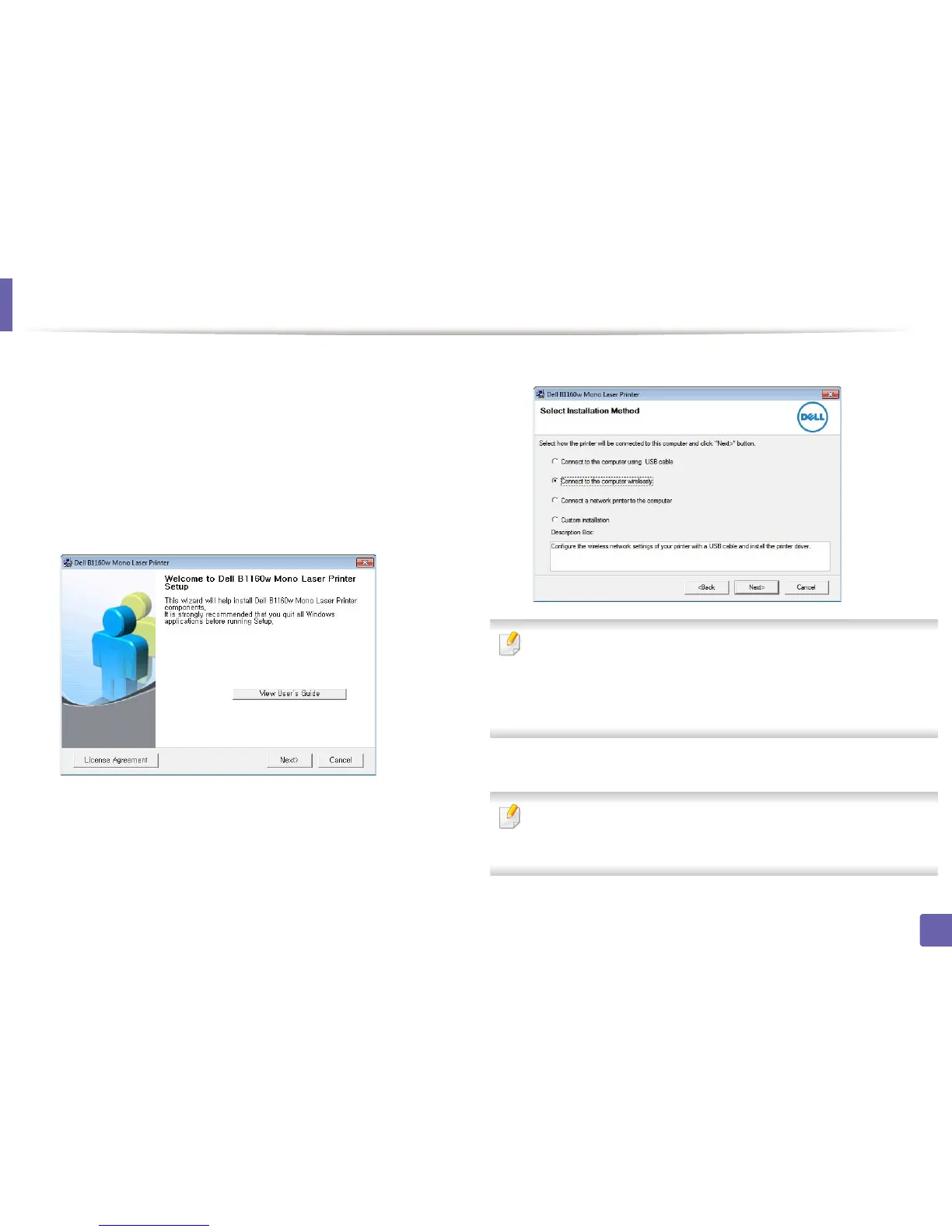
Select Next.
5
Select Connect to the computer wirelessly. Click Next.
Connect to a network printer to the computer: If you have already set up
the wireless network, select this to install the machine’s driver to use the
wireless network machine. If you have not set up the wireless network,
select the Connect to the computer wirelessly to set up the wireless
network before you select this.
6
The software searches the wireless network.
If the search has failed, you may check if the USB cable is properly connected
between the computer and machine, and follow the instructions on the
window.















 To Next Page